If the red indicator light is "BLINKING", the battery pack cannot accept a charge.
! Check to make sure the battery pack is inserted to the charger properly.
! Clean the contacts of the charger or battery pack (e. g. by inserting and removing the battery
several times) or replace the battery pack as required.
When the battery pack is fully charged, unplug the charger (unless you're charging another battery pack) and
install the battery pack back into the tool.
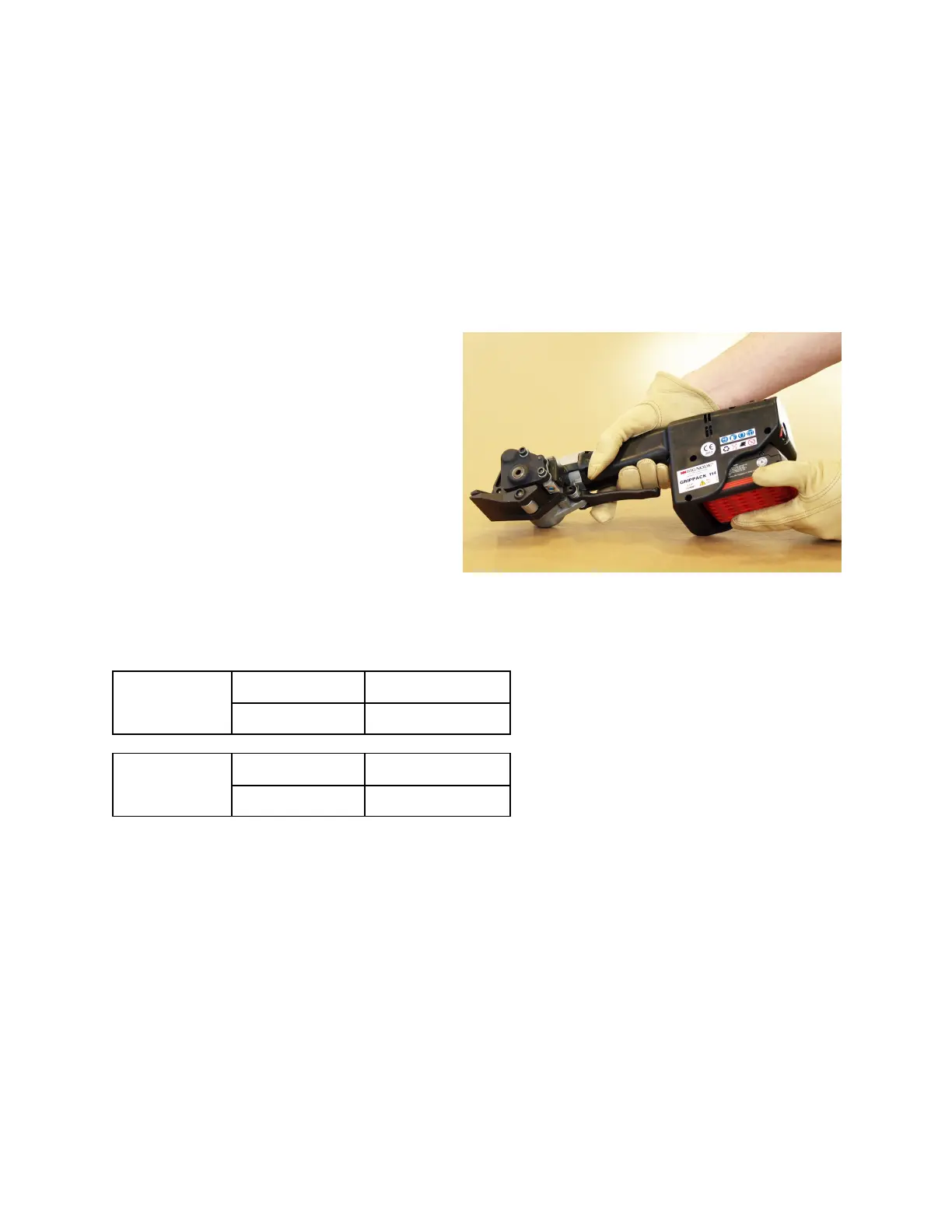
INSTALLING A BATTERY
1. Hold the tool firmly with one hand.
2. Using your other hand, insert the battery
into the tool with a sliding motion.
3. Firmly push the battery until fully seated.
When fully seated the battery locks in
place.
4. To remove the battery press the Red
release button on the battery and slide out.
REPLACEMENT BATTERIES & CHARGERS
110 VOLT
BATTERY CHARGER
P/N 800293 P/N 800294
220 VOLT
BATTERY CHARGER
P/N 800293 P/N 800543
8


 To Next Page