EasyManua.ls Logo

SILENCE S02 LS - Page 17

SILENCE S02 LS
62 pages
Print Icon
To Next Page IconTo Next Page
To Previous Page IconTo Previous Page
Loading...
MU_S02 LS_EN - S02 LS User Manual (V002) Page 17 of 62 Copyright© SILENCE Urban Ecomobility
“TRIP2”
Exactly the same as TRIP1. Press INFO once to show ODO again.
Other messages
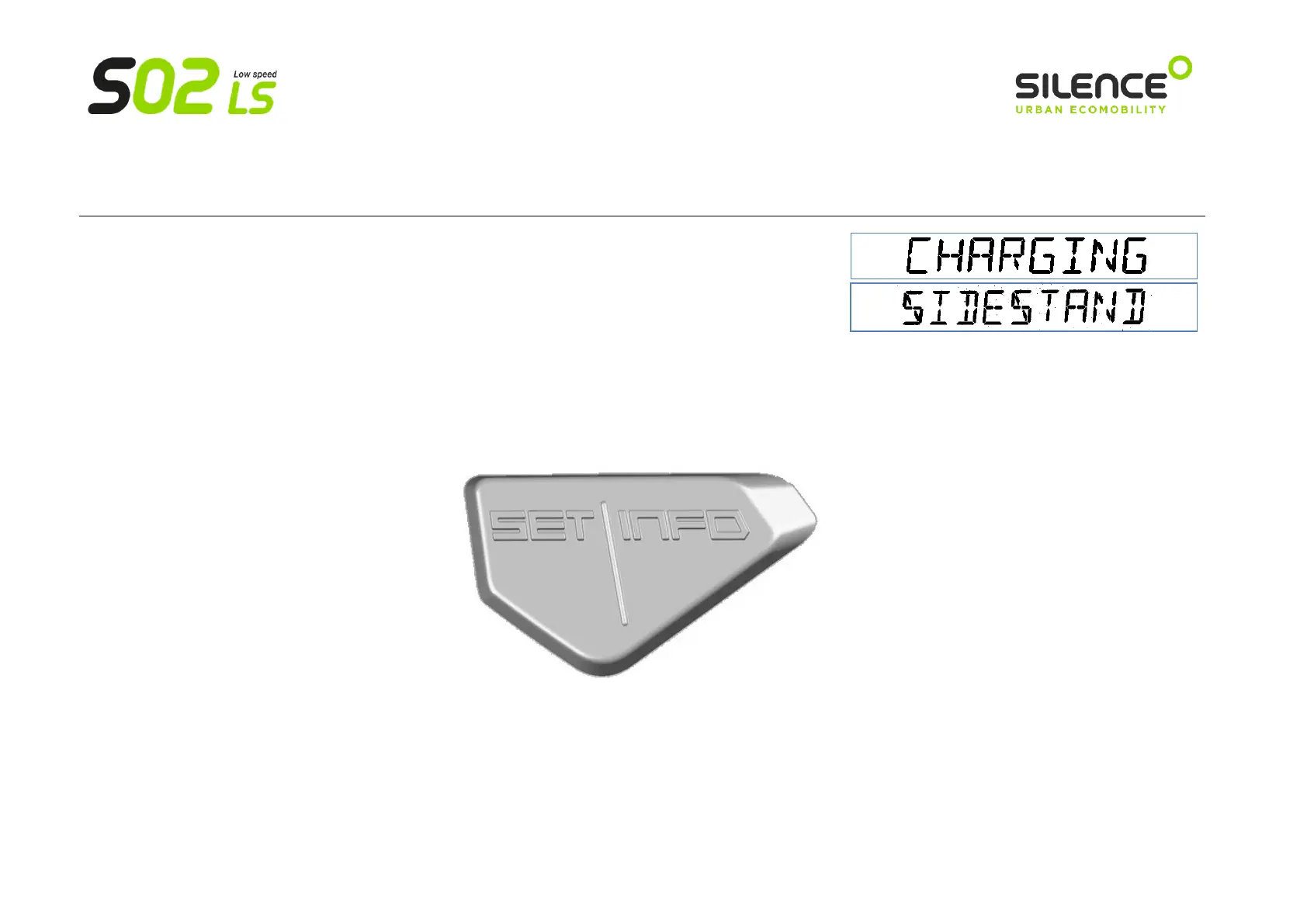
The bottom of the display shows other messages, such as warnings (scooter charging, side stand out, etc.),
or operating errors (which start with “0x…”). If the latter appear, please contact your SILENCE Official
Service Centre.
b) Buttons
The buttons on the dashboard are SET (left) and INFO (right, and the same on the controls on the right side of the handlebar):
Their functions are as follows:
Browsing panels
Press INFO (press once): this will take you through the following screens with each press, in this order: ODO -> TEMP -> TRIP1 -> TRIP2 -> ODO -> …

Related product manuals