MU_S02 LS_EN - S02 LS User Manual (V002) Page 22 of 62 Copyright© SILENCE Urban Ecomobility
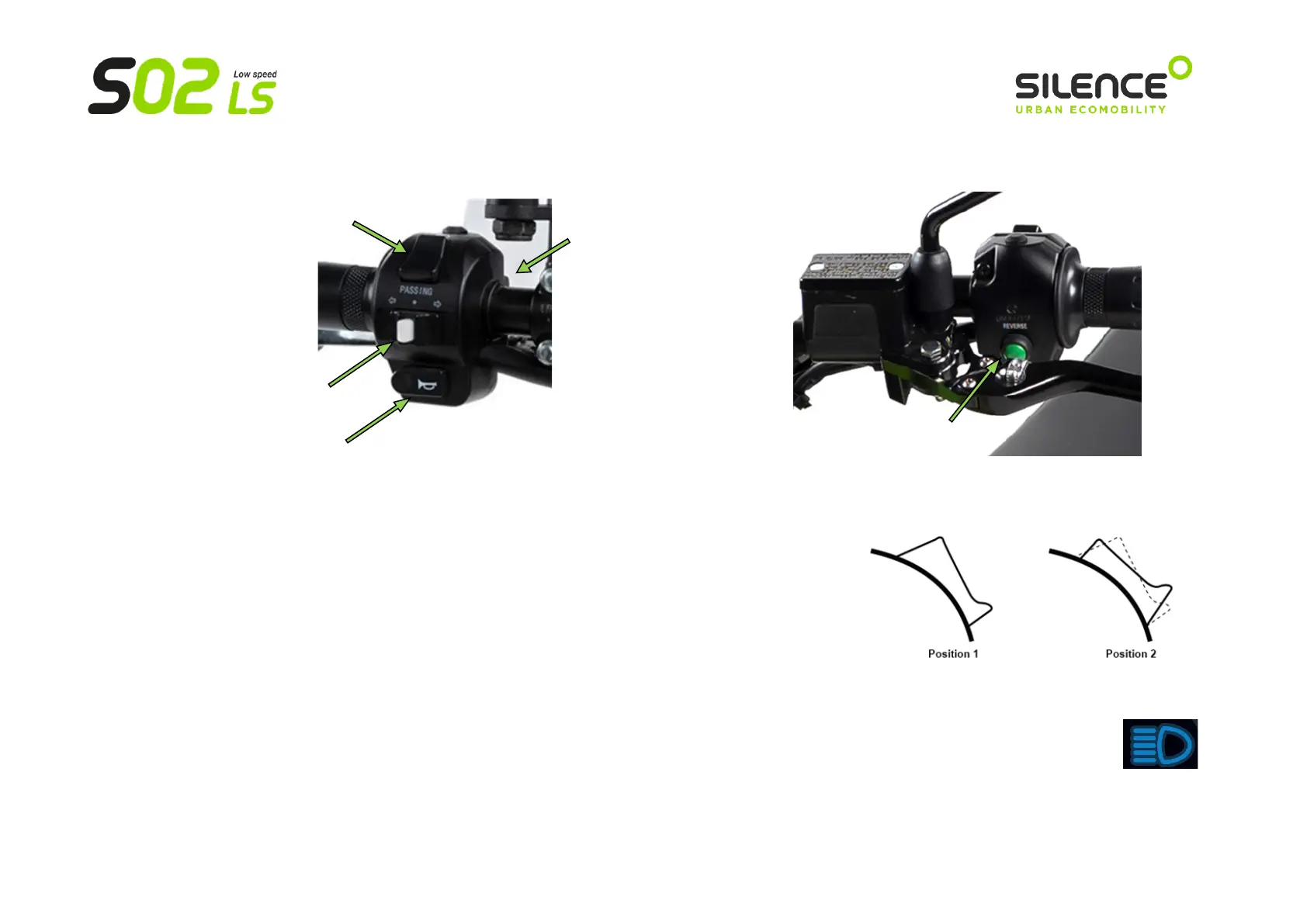
b) Controls on the left side of the handlebar
Lights switch:
o Central position (standby, between 1 and 2): by default, the LOW BEAM (when
the "D" driving LED is on) and SIDE LIGHTS.
o Position 1 (push-button -> press down to return to the central position): FLASHING.
It allows you to flash high beam when it is pressed, as a warning to other drivers on
the road.
o Position 2 (switch -> remains in position 2, top): HIGH BEAM is added to the lights in the central position.
When high beam is on, the blue light below will come on in the dashboard:



 To Next Page