SILENT BEACON 5 MANUAL
QuickStart Guide
This short guide is to help you quickly set up your Silent Beacon and to connect it to the
Silent Beacon Application. For a rundown of the Application setup please visit our
online guide here: www.silentbeacon.com/knowledge-base
Step 1
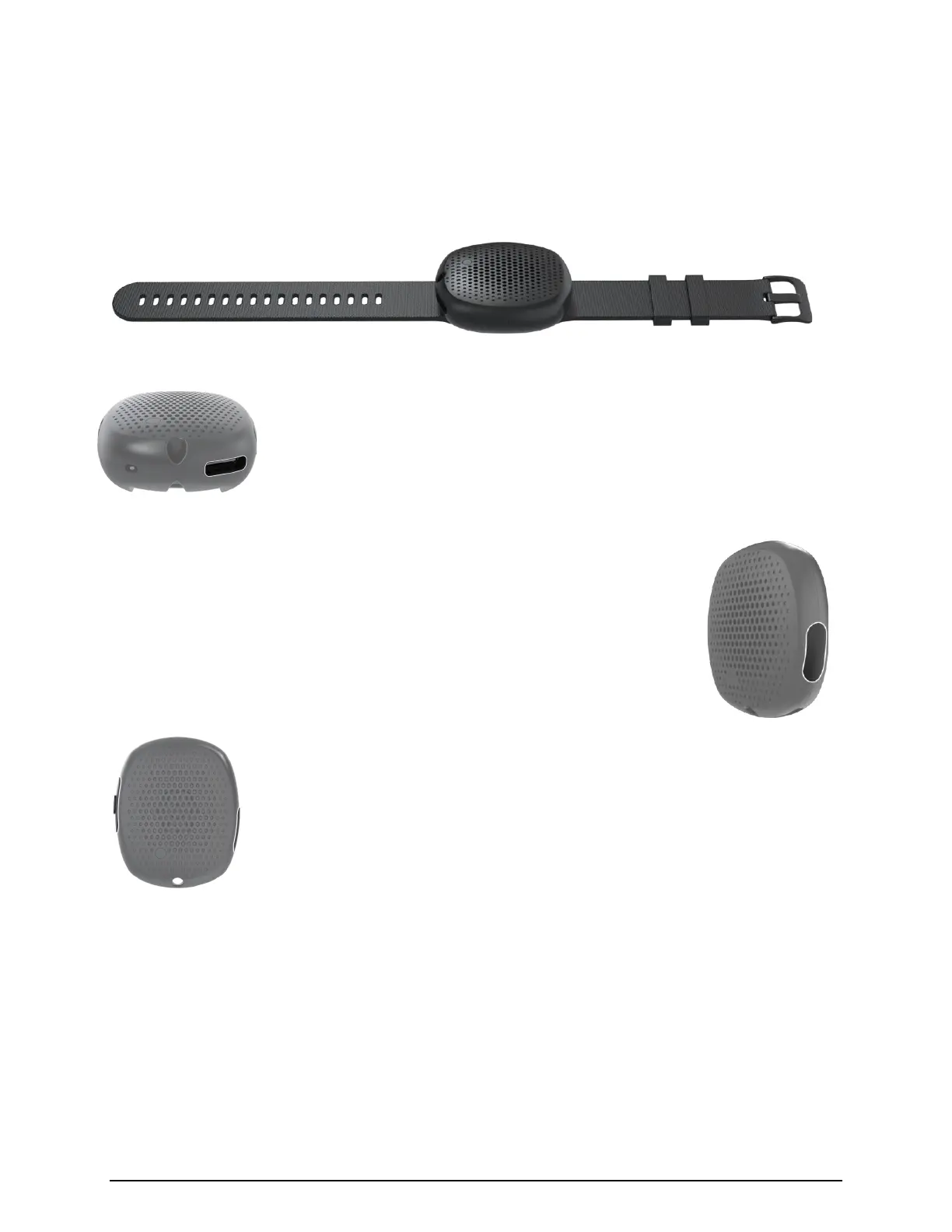
Locate the USB Cord that came with the product and connect it to
the USB Port on the Beacon to fully charge the device. It should take
3 hours to fully charge.
Step 2
Turn on the Beacon by pressing the secondary button located on the
right side of the device for 3 seconds. You will know you have
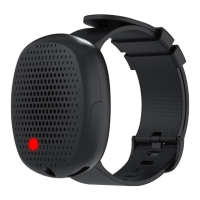
completed this step when the LED lightens up and changes color, you
hear an audio sequence and feel the Beacon vibrate.
Step 3
Open the Silent Beacon App and navigate to the Beacon tab. Chose
the correct Model image of the Silent Beacon and follow the onscreen
instructions.
Note: Your Smartphone needs to be Bluetooth 5.0 compatible, and you must have the
latest version of iOS or Android.
Note: Bluetooth Settings must be turned on in your smartphone/tablet


 To Next Page