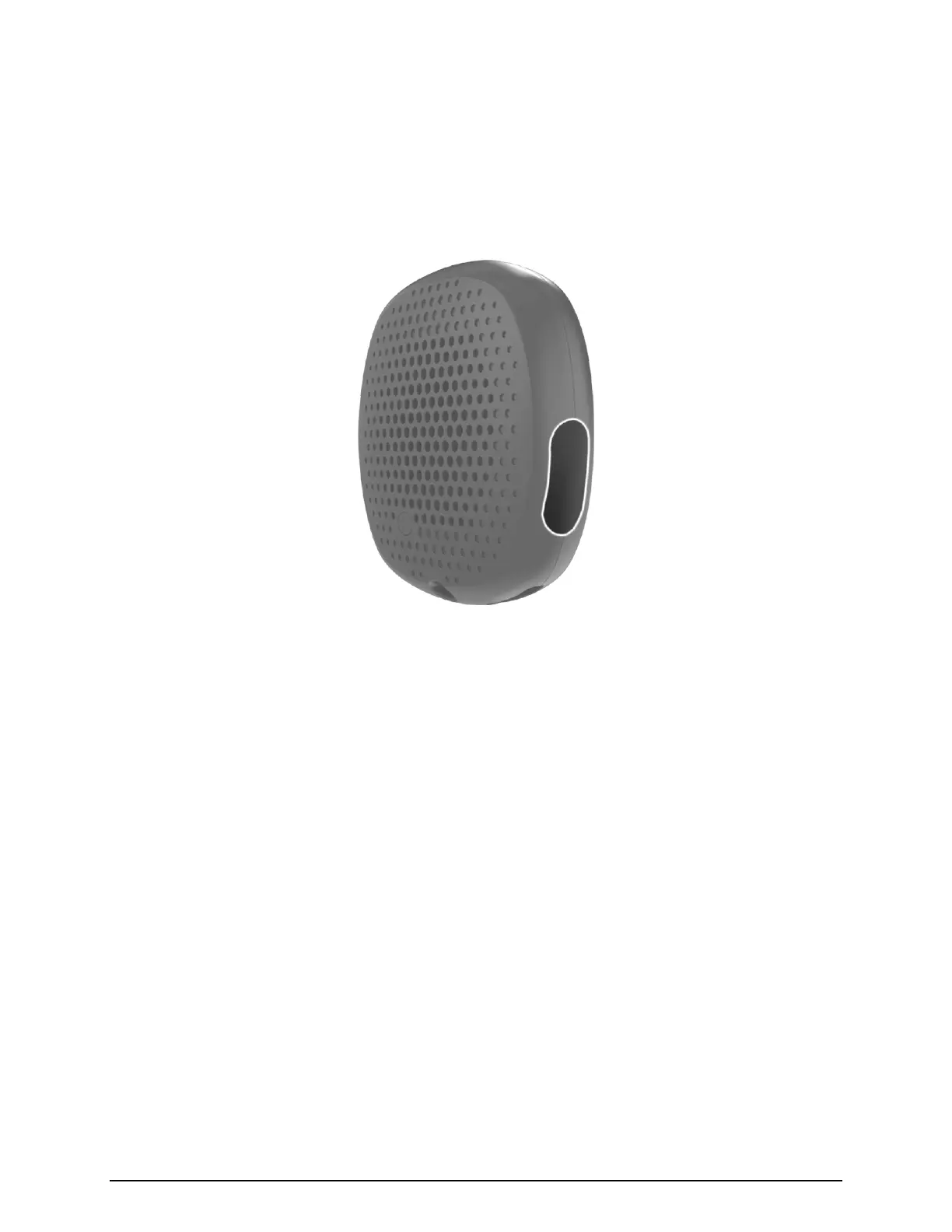
SILENT BEACON 7 MANUAL
Secondary Button
The smaller button located on the lower right of the Beacon enables additional
functionality to help in various situations. The 4 functions are outlined below.
Power On
Hold down the secondary button for 2 seconds.
Check-in (previously called nudge)
Tap the button 3 times rapidly within 2 seconds.
This feature sends a customized message along with your GPS location letting your
Emergency Contacts know you are OK.
Footsteps
Hold down the button for 3 seconds.
This feature that allows you to see loved-ones in real time when they are entering
situations in which they wish to be monitored. Turning “Footsteps” on allows the user to
be tracked by the Contacts you have pre-selected within the App. Turning off Footsteps
discontinues the tracking so your location is private again.
Beacon Status
One tap of the button.
This action will show you either a blue, red or no light. Blue means you are connected to
the App; red means you are not connected; no light means the unit is off.


 To Next Page