15. ATTACHING YOUR VENTURA PLUS
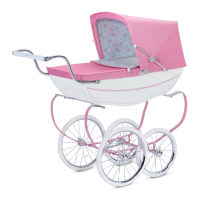
Lock the handle down towards the bumper
bar, by pressing and holding down both
buttons, then rotating the handle.
An audible 'click' will be heard.
Your 3D Travel System is now ready.
Warning: check that the seat unit
attachment are correctly engaged.
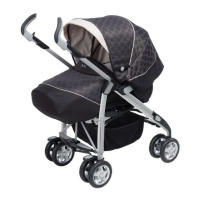
Position the Ventura Plus in the 3D seat, do
this by firstly positioning the large opening on
the Ventura Plus over the bumper bar.
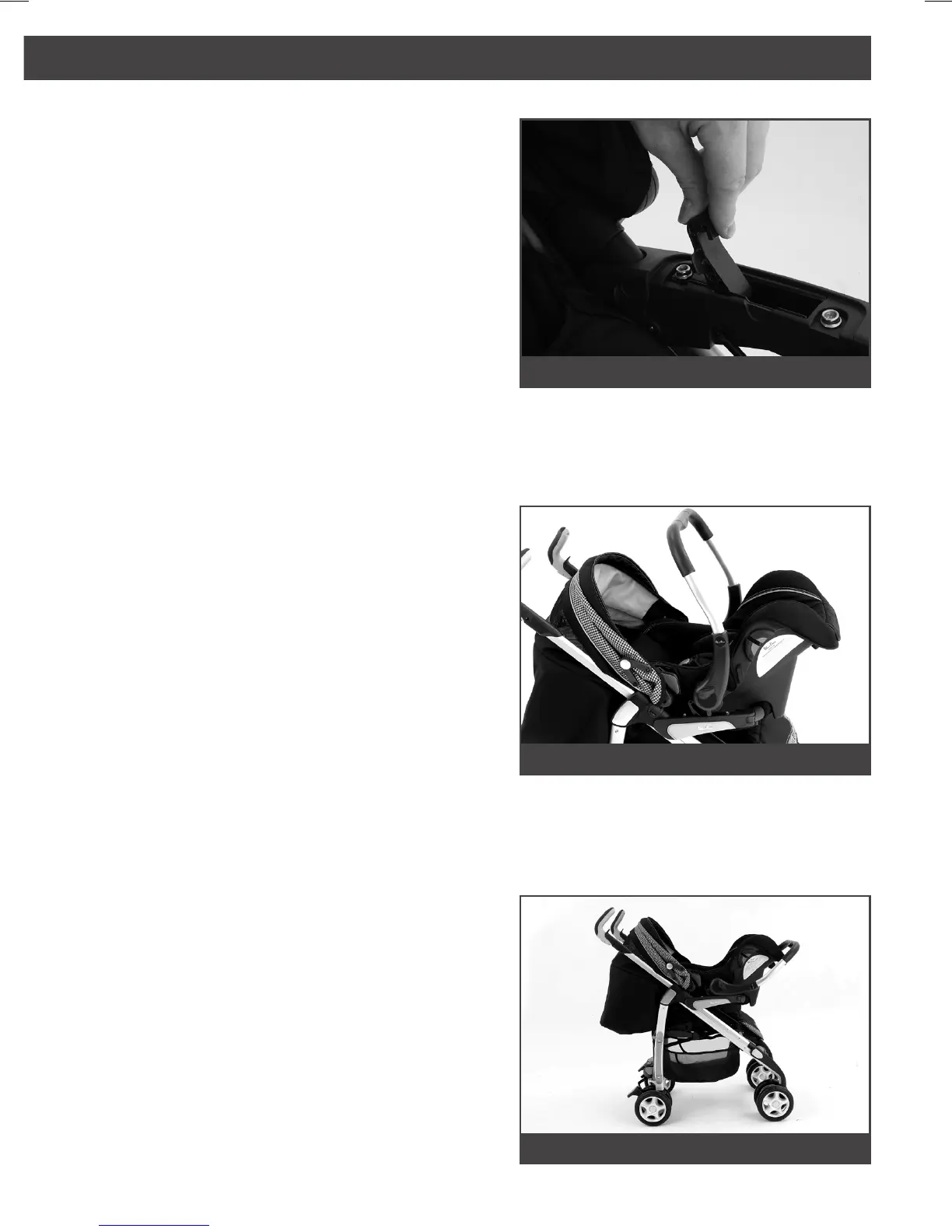
To attach your Ventura Plus, unfasten the
fabric cover on the 3D arms.
Lift the catches inside the arms until they
reach the stop point.
53
52
54
21


 To Next Page