3
User manual
English
1. FUNCTIONS:
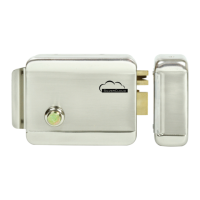
• It supports electrical control or hand operation.
• It is compatible with door phones or access control systems.
2. INSTALLATION:
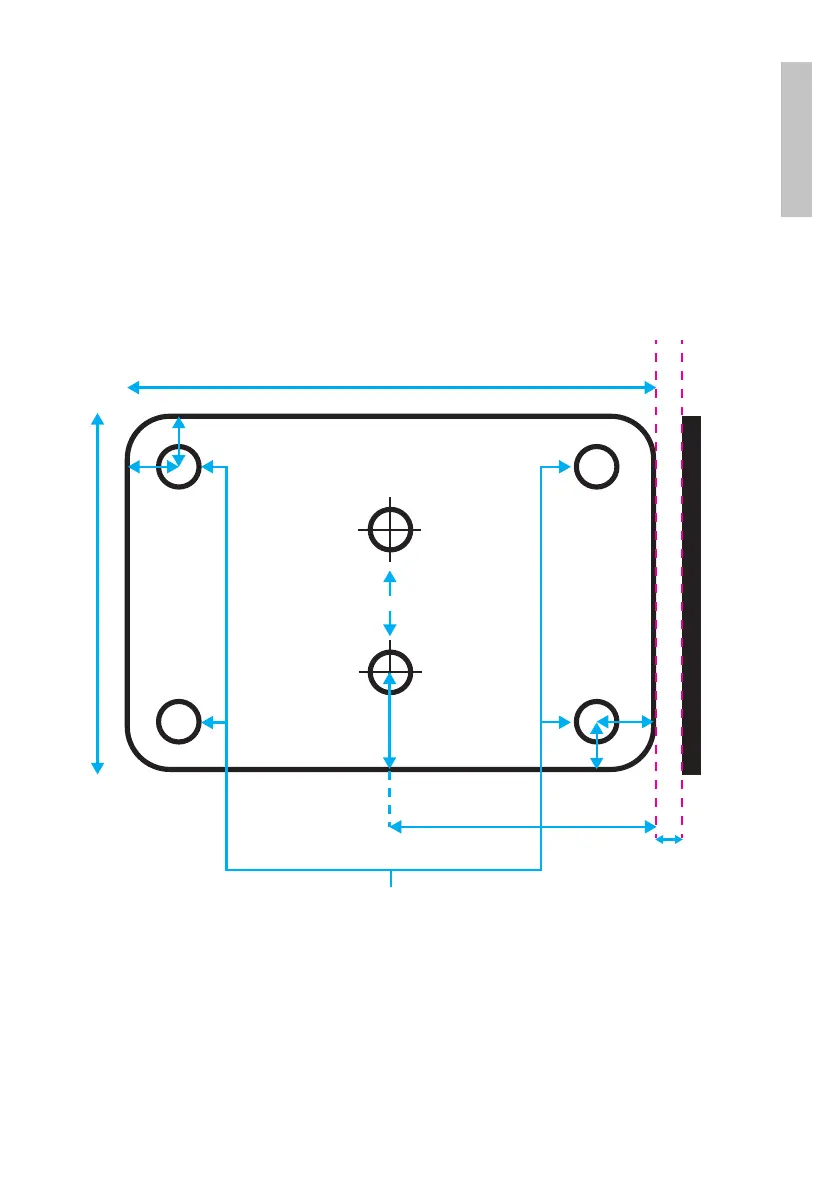
• Use the included screws to install the lock body, the cylinder and the door holder. At least 5 mm
installation distance from lock body to door holder is recommended.
• The cylinder should be mounted on the external side of the door using the included accessories. The
axis of the cylinder must pass through the door up to the dedicated slot in the lock body (on the other
side of the door). To open the lock, it is enough turn the key in the cylinder.
• The spring can be adjusted according to the weight of the door.
• Use a 7 - 12 d.c. voltage and a power higher than 12 W to open the lock.
• By pushing the button, the electric lock unlocks after 1 second.
126 mm
5 mm
60 mm
17 mm
11 mm
25 mm
12 mm
15 mm
FOR LEFT HANDED DOORS
EDGE OF THE DOOR
CENTER OF THE HOLE FOR THE CYLINDER AXIS
FOR RIGHT HANDED DOORS
SCREWS HOLES FOR LOCK FIXING
NOTES:
• The maximum continuous power supply time for unlocking the lock must not exceed 3 seconds. The
lock is not dependent on polarity.
• For safety, please use powdery lubricant for the cylinder.


 To Next Page