8
SHSS 12 C2
GB
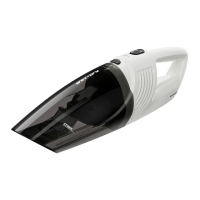
Emptying the dirt container
1) To open the dirt container , remove the hand
element from the hand element recess !.
2)
Pr
ess both buttons
and, at the same time,
pull the dirt container upwards.
You can now lift this off upwards/forwards.
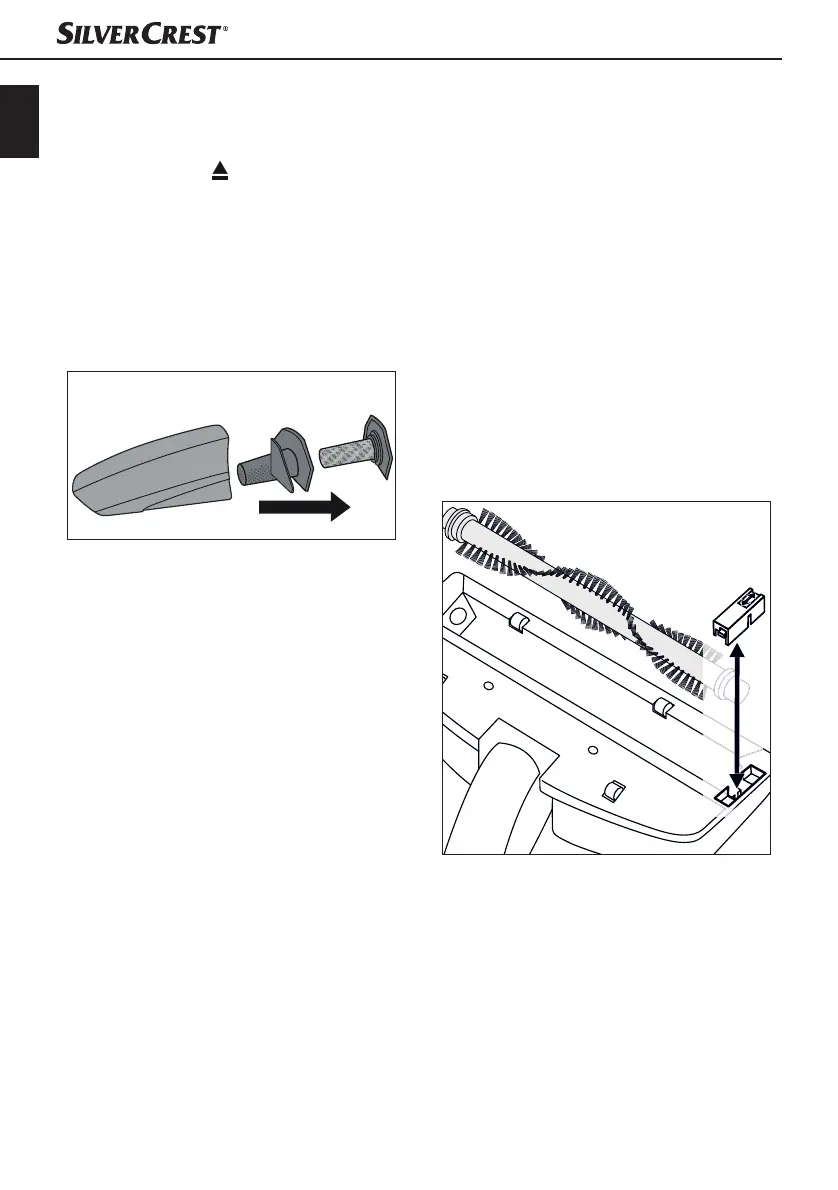
3) Remove the dust filter by pulling it out with
your fingers. Rinse the dust filter in clear
water and let it air dry. Do not use hot air to
dry the dust filter .
4) Then remove the coarse filter also by simply
pulling it out.
Fig. 3
5) Empty the dirt container .
6) Now you can re-insert first the coarse filter
and then the dust filter .
7) Replace the dirt container by first inserting
the catch into the notch in the hand element
and then pushing the front part of the dirt con-
tainer firmly downwards so that the dirt
container clicks firmly into place.
Cleaning the appliance
Wipe the appliance with a damp cloth. For stubborn
dirt, wipe, adding mild detergent to the cloth.
Ensure that the appliance is completely dry before
the next use.
Cleaning the rotary brush
The rotary brush . can become covered in
residues, such as hair, after a while. To remove this
dirt, you can remove the rotary brush . (Fig. 4).
1) Turn the floor nozzle upside down.
2)
Push t
he catch on the cover plate to the rear
so that you can remove the cover plate.
3)
Lif
t out the rotary brush ..
4)
T
o replace the rotary brush ., first push the
broad end onto the drive shaft so that the
rotary brush . hooks into place.
5) Then push the other end into the mount so that
the rotary brush . sits straight in the floor
nozzle.
6)
R
eplace the cover plate and fasten it firmly into
place.
Fig. 4





 To Next Page