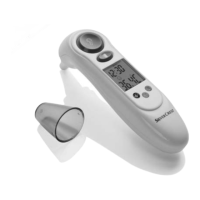
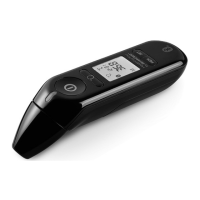
15 GB/IE
Before getting started / Operation
Before getting started
Removing the battery fuse
Push the battery compartment lid
10
downwards.
Pull the tab of the protective fi lm out of the battery
compartment.
Push the battery compartment lid
10
onto the battery
compartment until it clicks into place (Fig. A).
– When it is switched on, an internal alignment and a
self-test of the LC display are carried out.
– To verify that all of the bars of the numbers are being
managed correctly, when you switch on check the
display of the LC display
5
on your appliance
against the example (Fig. B).
Operation
Setting the date / time (Fig. C)
You only have to set the date and time when you operate
the appliance for the fi rst time and after you change the
battery.
1. Press and hold the “MEM / SET” button
1
down for
two seconds in standard mode. An acoustic signal
will sound. The device is now in set-up mode.
2. Press the “MEM / SET” button
1
to choose between
the 12-hour or 24-hour format.
IB_71652_SSOT6A1_LB3.indd 15IB_71652_SSOT6A1_LB3.indd 15 28.11.2011 16:41:05 Uhr28.11.2011 16:41:05 Uhr


 To Next Page