EasyManua.ls Logo

Silvercrest 71652 - Page 25

Silvercrest 71652
114 pages
Print Icon
To Next Page IconTo Next Page
To Previous Page IconTo Previous Page
Loading...
27 GB/IE
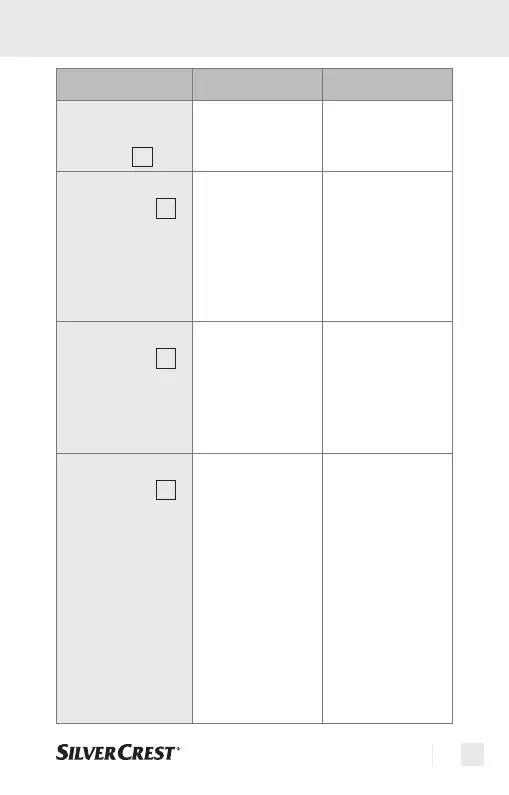
Functions / error analysis
Error Problem Solution
Battery sym-
bol on the LC
display
5
Weak battery Insert a new
battery
“Lo” on the
LC display
5
(measured
value below
32.0°C or
89.6°F)
Thermometer
correctly posi-
tioned in the ear
or on the fore-
head/temple?
Pay heed to the
operating in-
structions in re-
gard to position-
ing in the ear or
on the fore-
head/temple.
“Hi” on the
LC display
5
(measured
value above
42.9°C or
109.2°F)
Check the meas-
urement mode.
Please observe
the directions
for use with re-
gard to taking
correct measure-
ments.
“ErrE” on the
LC display
5
Ambient tempera-
ture outside the
range of 15.0 °C
- 40.0 °C /
59.0 °F -
104.0 °F (fore-
head mode) and
10.0 °C -
40.0 °C /50.0 °F
- 104.0 °F (ear
and scan mode).
Please ensure an
ambient tempera-
ture in the range
of 15.0 °C -
40.0 °C /
59.0 °F -
104.0 °F (fore-
head mode) and
10.0 °C -
40.0 °C/
50.0 °F -
104.0 °F (ear
and scan mode)
IB_71652_SSOT6A1_LB3.indd 27IB_71652_SSOT6A1_LB3.indd 27 28.11.2011 16:41:06 Uhr28.11.2011 16:41:06 Uhr

Table of Contents

Related product manuals