13 GB/IE/NI
4. Follow app to setup your personal information (name, gender, birthday, weight,
height, stride length, targets, etc.).
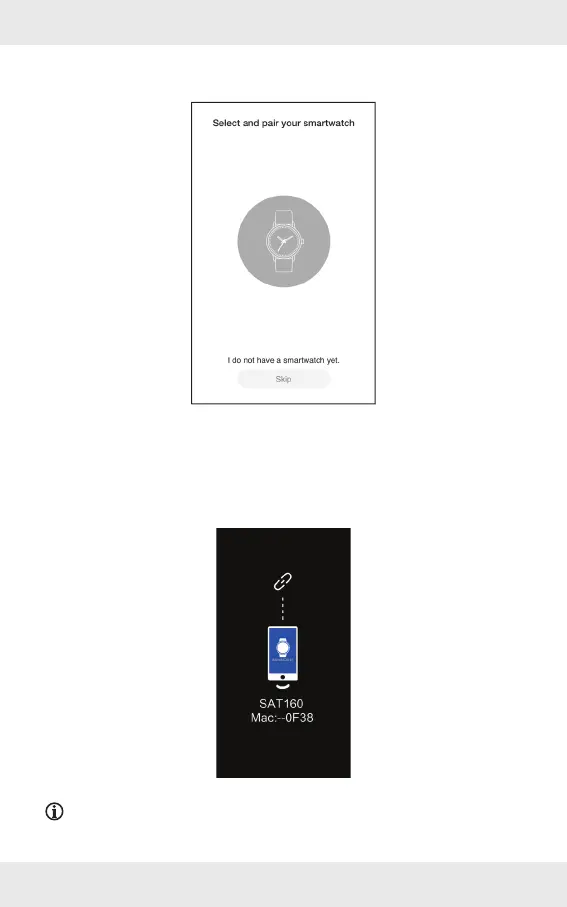
5. Tap the centre of the icon to start pairing the product with the app.
6. Activate the Bluetooth function of the product: Briefl y press the button
[1].
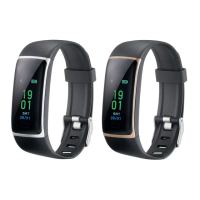
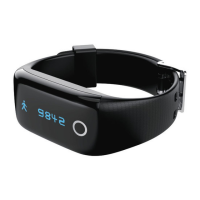
The last 4 digits of the product’s Bluetooth MAC address are shown in the
display
[2] (see following example). This means that you have to bind the product
with the app fi rst before use.
NOTE: If no product is found after the scan, scroll down the app screen to refresh.
Briefl y press the button
[1] to activate the Bluetooth function again.


 To Next Page