41 GB/IE
Adjust these to ensure optimal comfort.
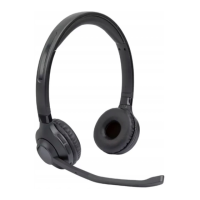
Please follow the marking “L“ (= left) and “R“ (= right). Put on the headphones so
the control panel
13
is on the left.
Headphones button functions for music playback
Start a playlist on the playback device and set the volume to the minimum level to
begin with. Choose a comfortable volume after putting on the headphones. Using
the buttons
12
and
11
on the headphones allows the volume to be adjusted.
Music is played back through the speakers
2
.
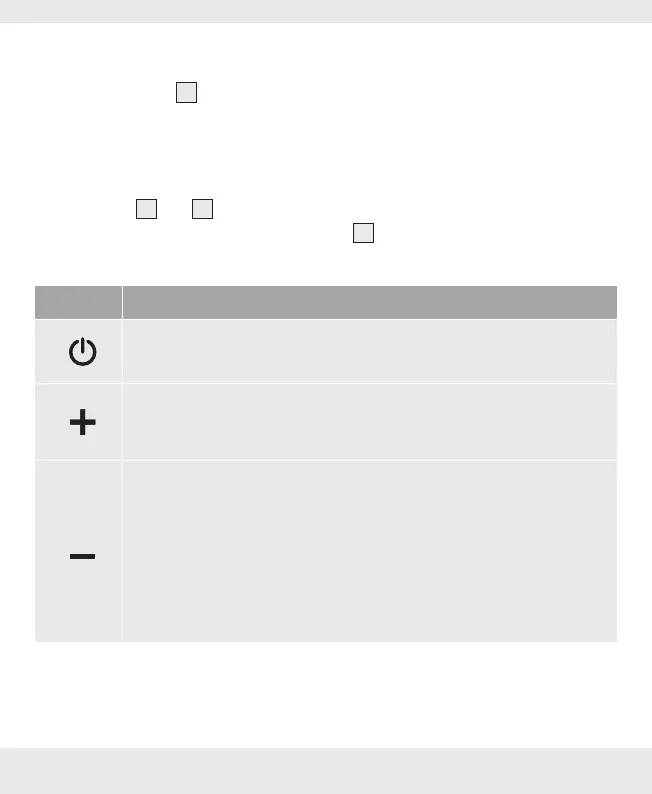
The control panel has 4 buttons. These control the following functions:
Button Function
‒ Press and hold to switch the device on / off.
‒ Press once to play / stop music playback.
‒ Press once to increase the volume by one level. One signal tones
will sound when the maximum volume has been reached.
‒ Press and hold approx. 2 seconds to skip to the next track.
‒ Press once to reduce the volume by one level.
‒ One signal tone will sound when the minimum volume has been
reached.
‒ During playback, press and hold approx. 2 seconds to jump to the
previous track.


 To Next Page
 Loading...