42 GB/IE
Button Function
‒ In paired mode (LED flash blue twice every 3 seconds), press
twice and an acoustic signal will sound to change to pairing mode
allowing another communication device for connection.
‒ In pairing mode (LED flash blue), press twice to connect again to
the previously paired communication device.
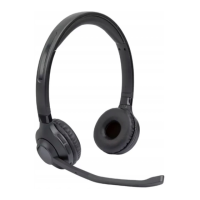
Headphones button functions as a headset
You may also use the headphones for telephone calls when used with a
communication device which supports this function.
If your communication device supports the Bluetooth
®
standard 5.0 or above, you will
be able to use the following functions:
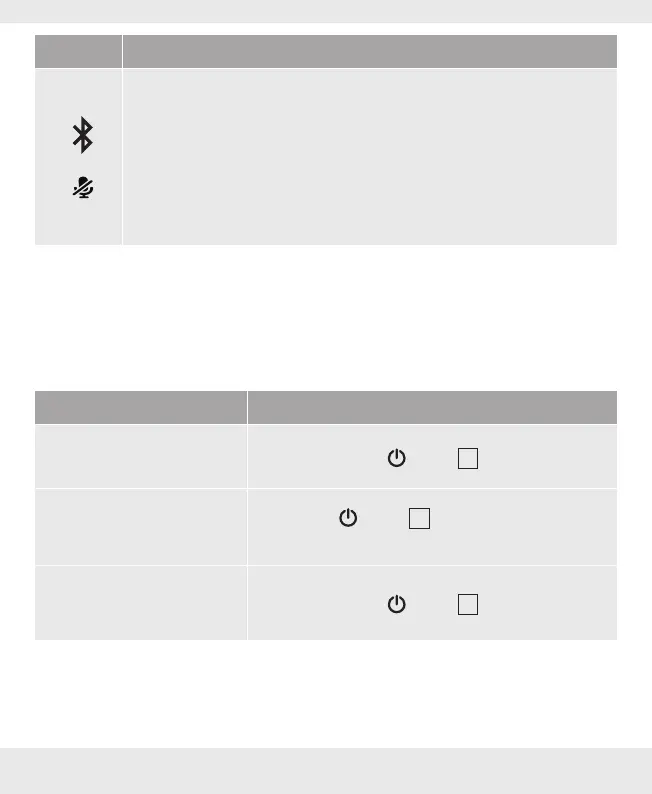
Function Action
Answer / end call
‒ Briefly press the
button
4
.
Ignore call
‒ Hold the
button
4
for approx. 1 second until
2 beeps sound.
Redial
‒ Briefly press the
button
4
for 2 seconds.


 To Next Page
 Loading...