21GB/IE/NI
Charging the charging/storage
box battery
Before first use, the charging/storage box battery must be charged.
Charging via USB
Connect the charging/storage box [7] via the USB-C charging
port [] and the included USB cable [] with a USB voltage
source with an output current of at least 400 mA (e.g. a USB
charger or a computer).
Qi wireless charging
Place the Qi reception area[] of the charging/storage
box[7] on your Qicharger.
Charging starts automatically when the Qi wireless charger is
switched on.
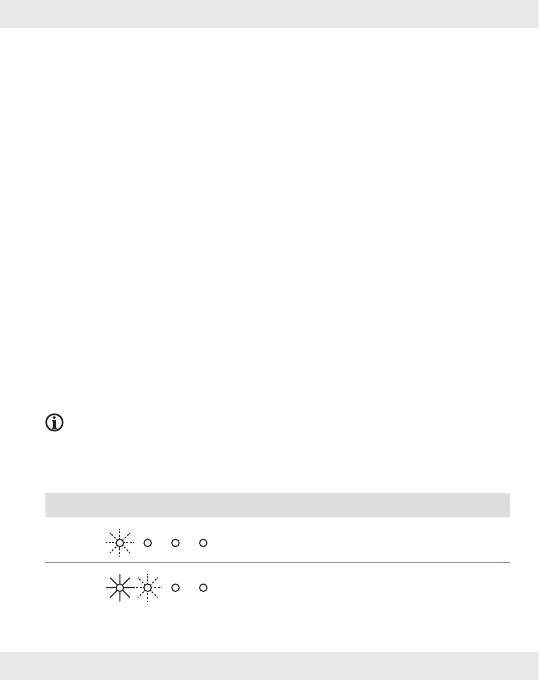
When charging is completed, the 4charging status
indicators [9] light up.
NOTE:
The charge status is shown via the charging status indicator [9]
on the charging/storage box[7]:
LEDs Battery charge status
< 25 %
< 50 %









 To Next Page