27GB/IE/NI
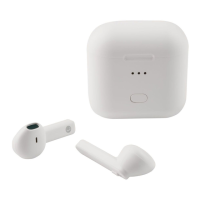
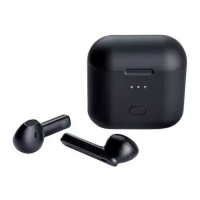
Reset the left and the right headphone [1]:
– Remove one of the headphones (left or right) from the
charging/storage box [7].
Press the MF button [3] 3 times in quick succession until the
LED [2] briefly flashes red/white.
Insert the previously removed headphone back into the
charging/storage box [7] to complete the reset.
– Remove the other headphone from the charging/storage
box [7].
Press the MF button [3] 3 times in quick succession until the
LED [2] briefly flashes red/white.
Insert this headphone back into the charging/storage box [7]
to complete the reset.
Both headphones [1] are now successfully reset.
NOTES:
A signal sounds once the headphones are disconnected from
each other.
After the headphones have been reset, the Bluetooth connection
to the playback device needs to be restored (see ”Pairing the
headphones with a Bluetooth device”).
Using the multi-function button
(MFbutton)
Use both multi-function buttons[3] on the headphones[1] to
operate the various call and playback functions.










 To Next Page