77 GB/IE
Step 3: SFT 81
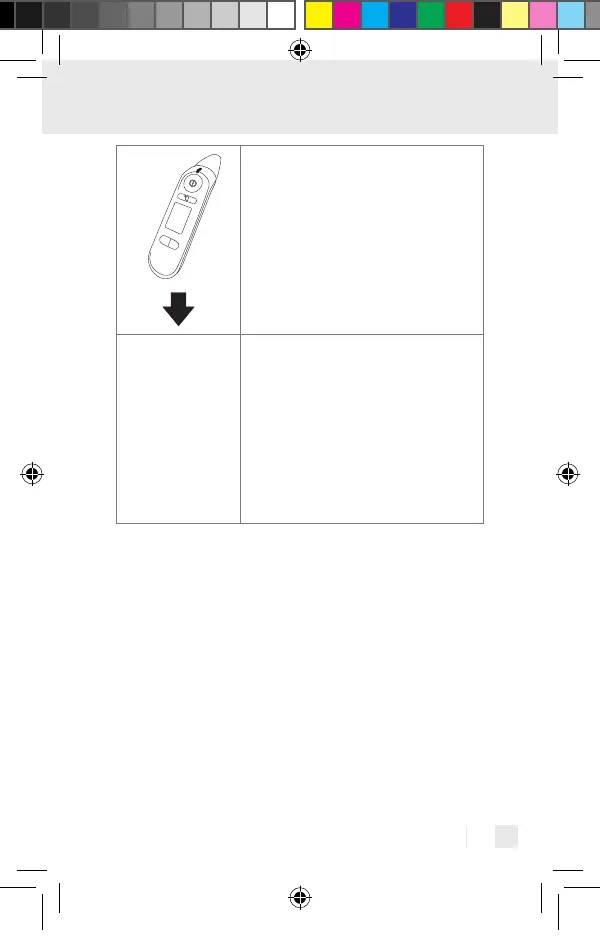
Carry out a measurement.
Step 4: SFT 81
Automatic transfer
of data directly after
a measurement:
The app must be
opened and
Bluetooth
®
must be
activated on the
device and smart-
phone to do so.
Step 4: SFT 81
Transferring the data at a later point in time:
Go to memory recall mode (“Display saved
measured values“). Bluetooth
®
transfer
begins automatically.
The “HealthForYou“ app must be activated for transfer.
We wish to expressly indicate that the software at
hand is not a medical product in accordance with the
EU directive 93/42/EEC.
The displayed values are intended merely as a
visualisation and may not be used as the basis for
therapeutic measures.
437990_2304_V2.0_silv_Multifunktionsthermometer_Content_OS.indd 77437990_2304_V2.0_silv_Multifunktionsthermometer_Content_OS.indd 77 15.06.23 14:2215.06.23 14:22


 To Next Page