76 GB/IE
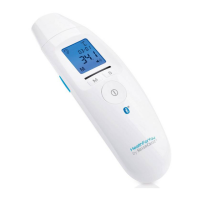
You will need to download the free app “HealthForYou“
from the Apple App Store and Google Play to do so.
To transfer the values, proceed as follows:
If you have activated Bluetooth
®
data transfer in the
settings menu, the data will be transferred after each
measurement or when you change to the memory.
The symbol
will appear on the display.
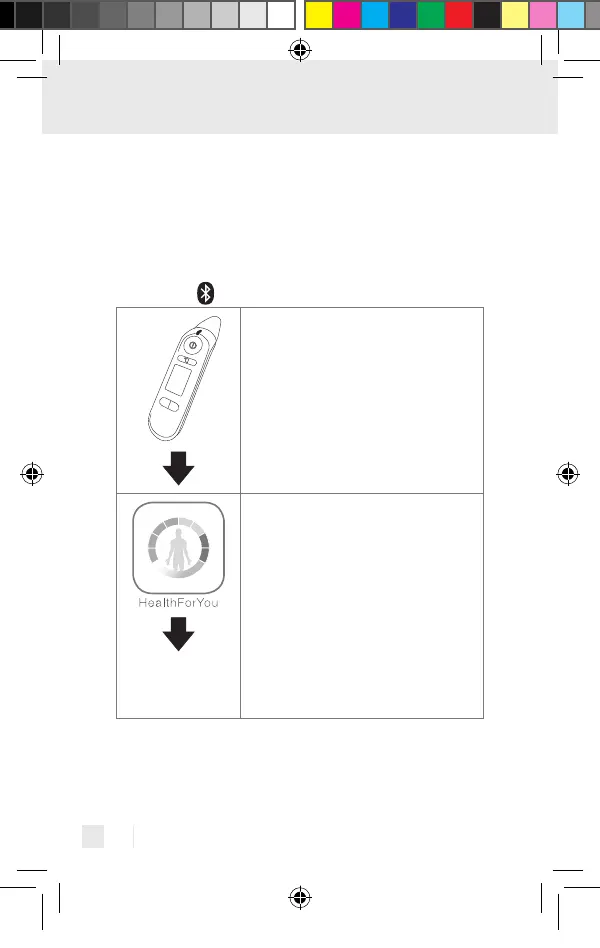
Step 1: SFT 81
Activate Bluetooth
®
on your device (see
the chapter “Changing basic settings“).
Step 2: “HealthForYou“ App
Start the “HealthForYou“ app and follow
the instructions. Select the SFT 81 in the
settings menu of the app and connect the
device. A randomly generated six digit PIN
code will be displayed on the thermometer
when connecting for the first time. At the
same time, an entry field will appear on
your smartphone where you should enter
this six digit code. If it is entered correctly,
the thermometer will be connected to your
smartphone.
437990_2304_V2.0_silv_Multifunktionsthermometer_Content_OS.indd 76437990_2304_V2.0_silv_Multifunktionsthermometer_Content_OS.indd 76 15.06.23 14:2215.06.23 14:22


 To Next Page