Connect the power adapter in the PoE kit to the main electrical supply and the power plug into the
socket of the injector.
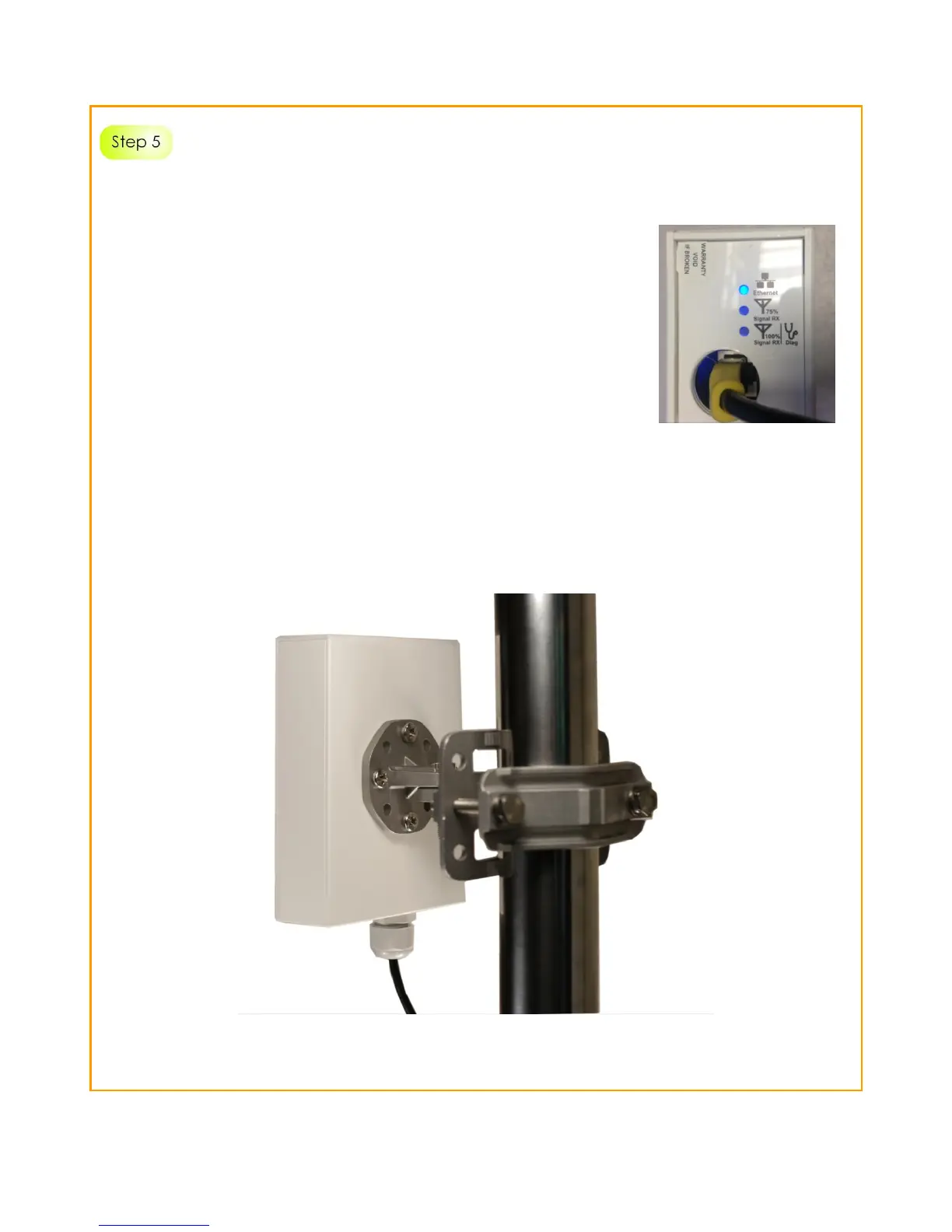
Now, turn on your power supply. The Ethernet LED will light up.
This indicates that the access point is receiving power through the
PoE Injector and that connection between the access point
and your network has been established.
Using a power adapter with a different voltage rating to the specified recommendation will damage
this product.



 To Next Page