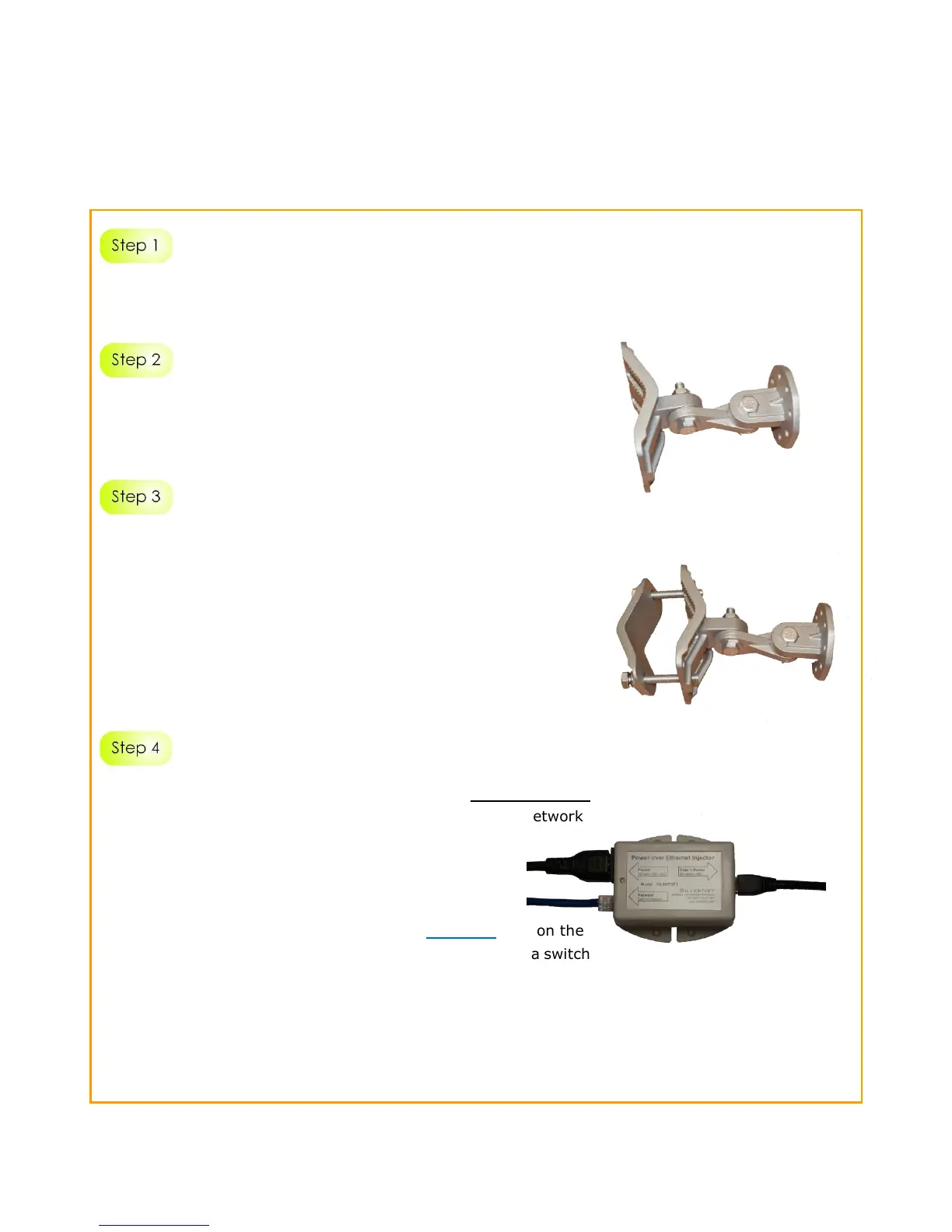
Put the bracket round the pole, put the last part of the bracket round
the pole and tighten the 2 longer bolts with a spanner to secure the
bracket to the pole. Bolt the unit onto the secure bracket.
*Note
To mount the device to the wall you do not need the last part of the
bracket and the 2 longer bolts.
Connect one end of an RJ45 Ethernet cable to the DATA + Power
port of the Injector and the other end of the cable to the Network
port of the device.
Maximum length of the RJ45 Cat 5 cable is 100 meters.
Connect another RJ45 Ethernet cable to the Network port on the
PoE Injector and the other end to a network device, such as a switch
or to the PC you will use to configure the access point.
PoE power input: Passive PoE (48V DC)
Note: The radio can also be powered from a PoE network switch.



 To Next Page