CRYSTAL4-SH
User Guide
29
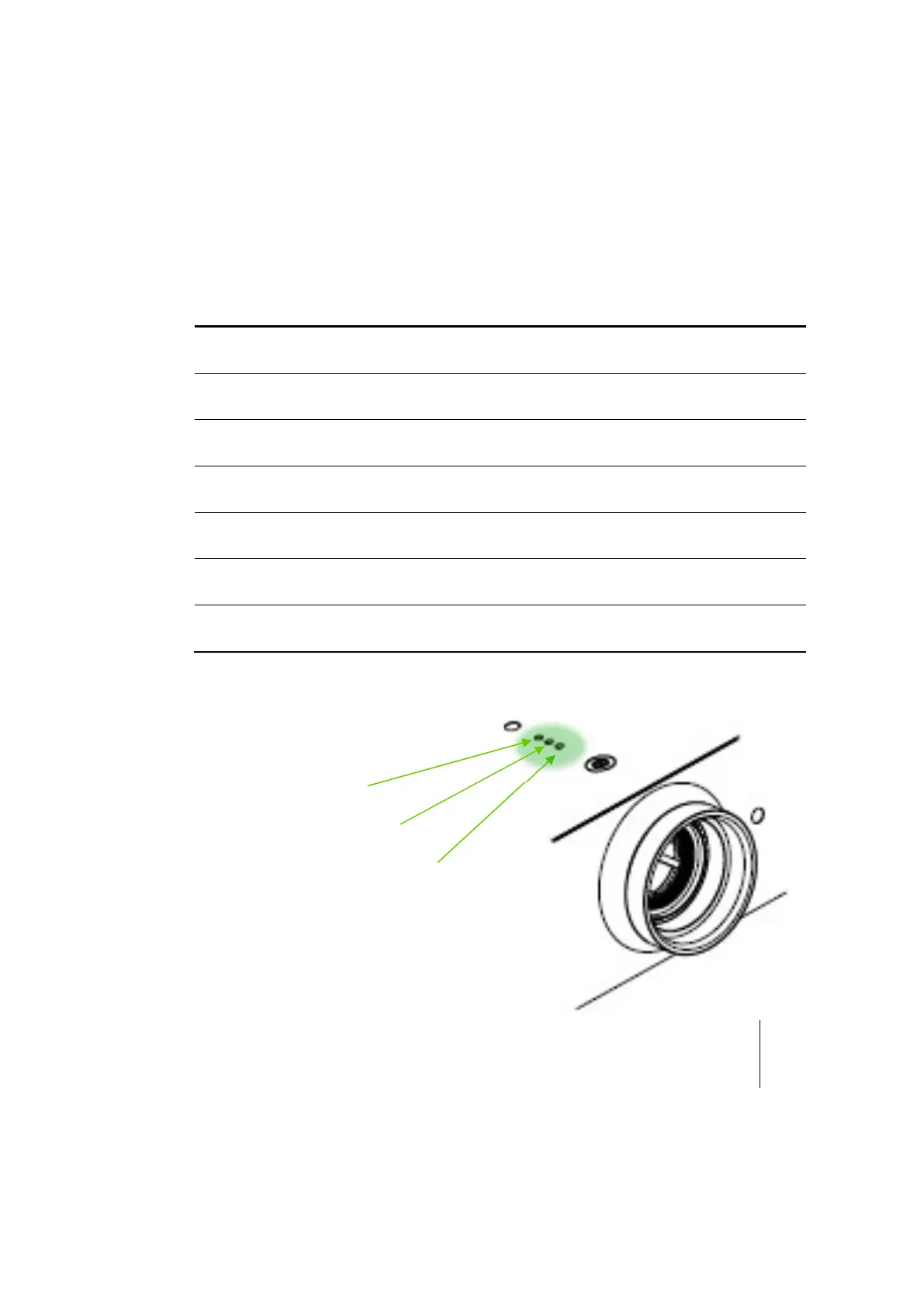
LED lightning indications
POWER LED is bi-color (Blue and Red).
TEMP LED indicates the projector has overheated.
LIGHT LED indicates the projector light source functionality. Status OFF indicates that
not errors or warnings are present.
If one of the following status, shown in the table below, happens, unplug the power
cord from the projector, wait for 30 seconds and try again. If the warning indicator
light up again, please contact your nearest service center for assistance.
MESSAGE
POWER LED
(Red)
POWER LED
(Blue)
TEMP LED
(Red)
LIGHT LED
(Red)
Standby State
(Input power cord)
Steady Light*
Off Off Off
Power On
(Warming)
Off Flashing Off Off
Power On and Light
Lighting
Off Steady Light Off Off
Power Off
(Cooling)
Off Flashing Off Off
Error
(Light fail)
Flashing Off Off
Steady
Light
Error
(Fan fail)
Flashing Off Flashing Off
Error
(Over Temperature)
Flashing Off Steady Light Off
* ON/STANDBY LED be ON when OSD appears, be OFF when OSD disappears.



 To Next Page