CRYSTAL4-SH
User Guide
30
5 Operation
Main Menu
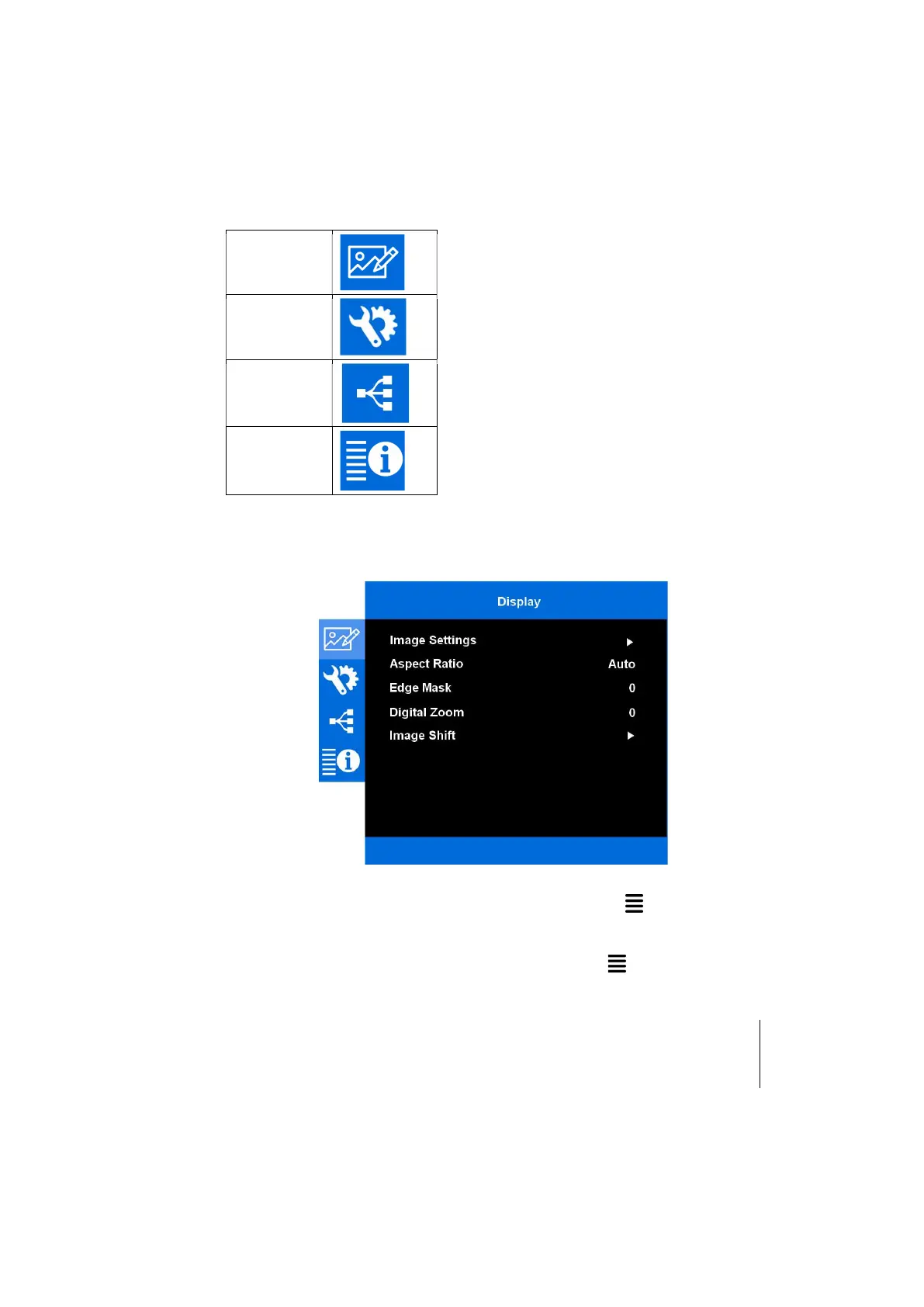
The main menu gives access to all projector adjustments. It is divided in four main
sections:
Display
Setup
Network
Information
with various item and submenus in each of them.
To enter the main menu and select the desired section press on the remote control.
To enter a submenu (when available) press on the remote control.
Use or to select an item on a list either in the main menu and the submenu.
To return to the previous menu when in a submenu press on the remote control.



 To Next Page