CRYSTAL4-SH
User Guide
37
Graphics: for PC/Photo source
Standard (2.2): for standardized setting
1.8/2.0/2.4: for specific PC/Photo source
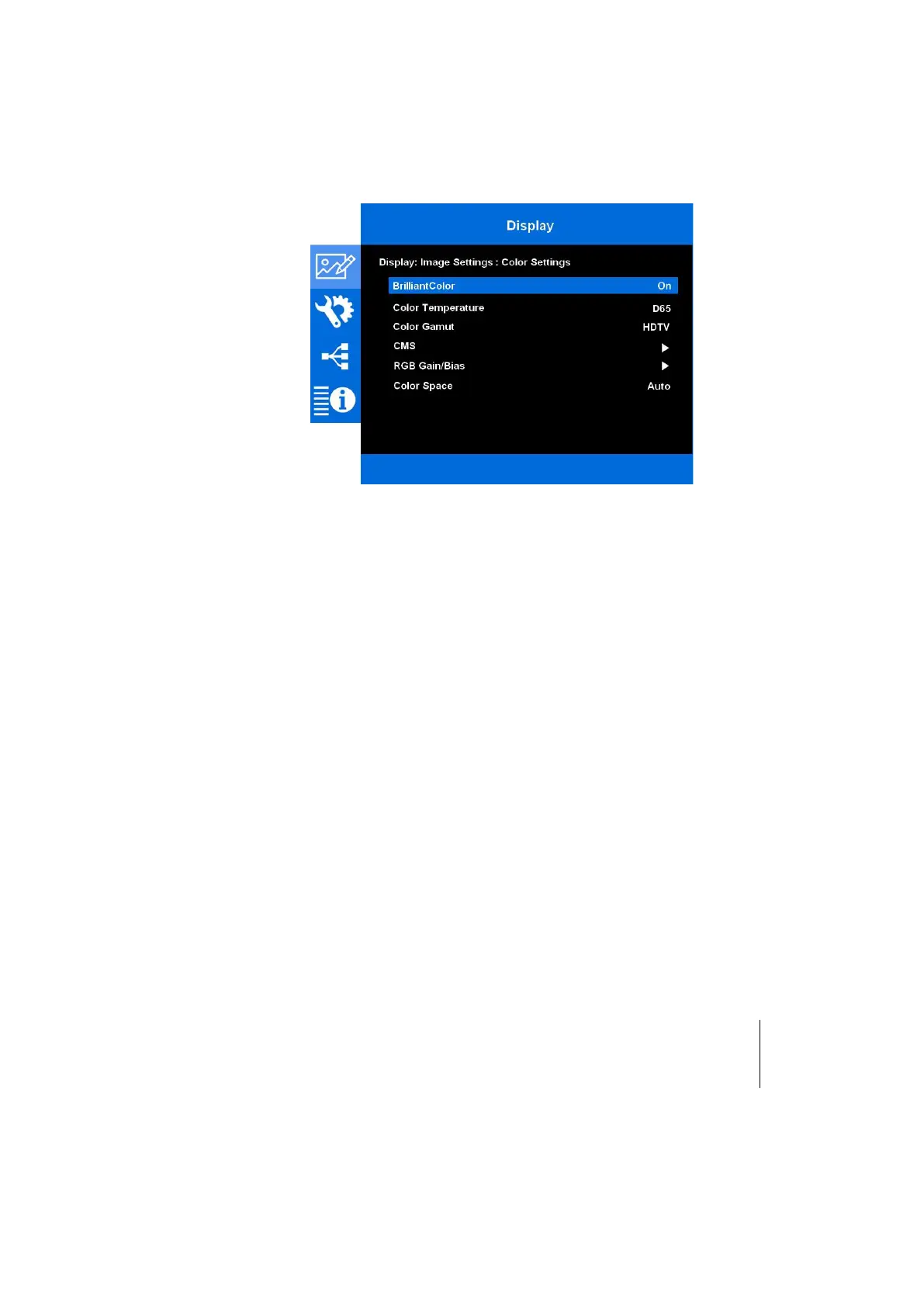
Color Adjustments
Press the to enter the menu and then use or to select item.
BrilliantColor
TM
This adjustable item utilizes a new color-processing algorithm and enhancements
to enable higher brightness while providing true, more vibrant colors in picture.
Range [On,Off]
Color Temperature
Select a color temperature from D55, D65, D75, D83, D93 or Native.
Native the projector native white point
D55, D65, D75, D83, D94 the C standard CIE illuminants
Color Gamut
The Color Gamut are the whole values of the primaries (red, green and blue),
secondaries (yellow, cyan and magenta), the white color coordinates and the
brightness. Each CRYSTAL4-SH projector is individually calibrated taking in account
the projector hardware and optics to reach the HDTV REC709 Color Gamuts.
Select an appropriate color gamut from Native, HDTV, User, Cinema and LCC.
Native: the projector native color gamut.
HDTV: the color gamut defined by the standards.
LCC: the color gamut defined by the user through the LCC software. When
selected the LCC color gamut, the CMS menu and the Color Temperature
are dimmed. With Live Color Calibration (LCC) you can change any of the
color gamut directly entering absolute values.



 To Next Page