CRYSTAL4-SH
User Guide
44
Display – Edge Mask
Edge mask the image to remove video encoding noise on the edge of video source.
It removes the outer edges of the image and magnifies the remaining portion of the
image to fill the display area. It is useful with sources that output images with
imperfections around their borders.
Note: Each I/O has different setting of “Edge Mask”.
Display – Digital Zoom
Press to reduce the size of an image
Press to magnify an image on the projection screen
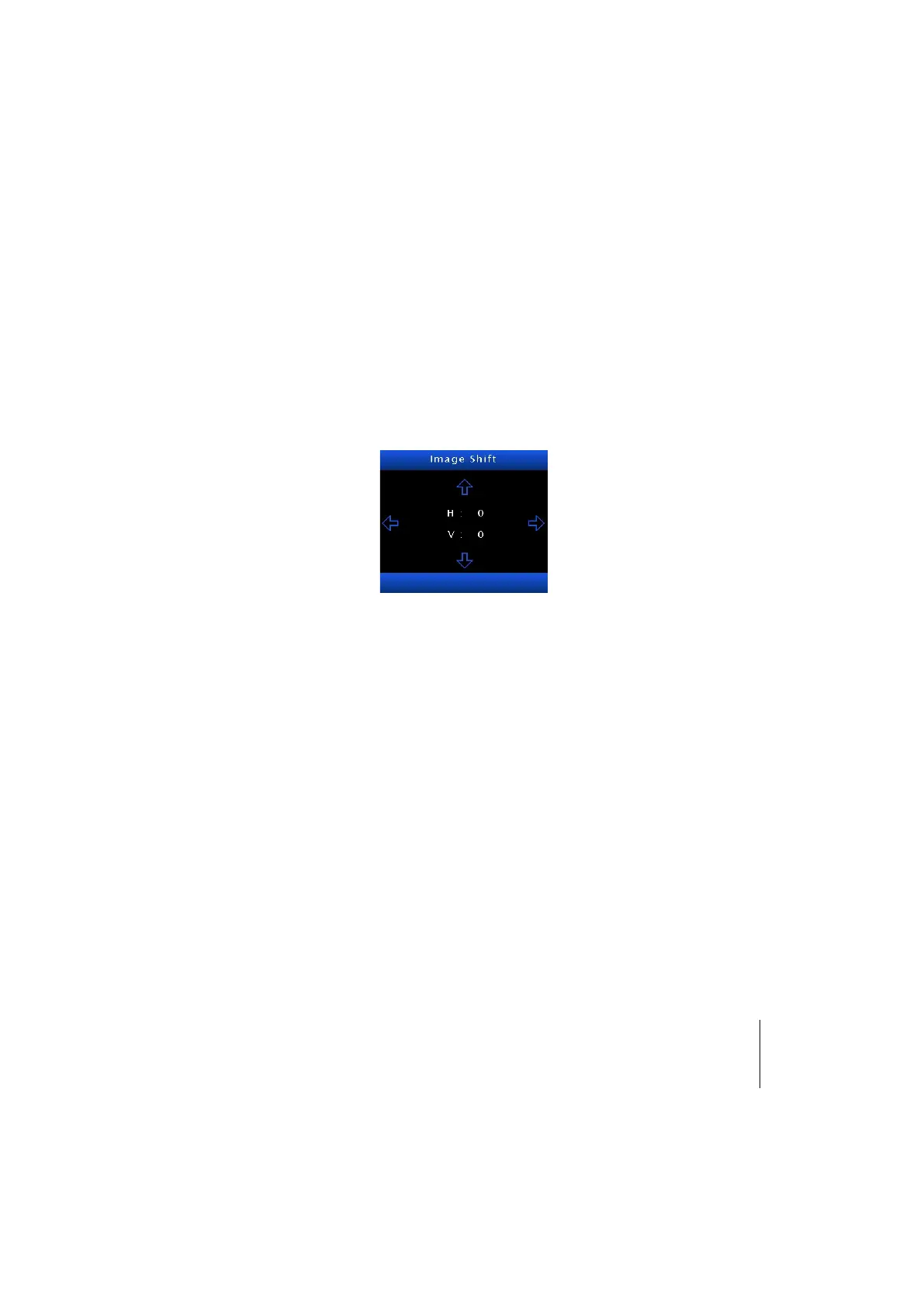
Display – Image Shift
Press the to enter the menu.
H: press the to shift the projected image position horizontally
V: press the to shift the projected image position vertically
This Image Shift is a digital image shift, inside the DMD active pixels area.



 To Next Page