CRYSTAL4-SH
User Guide
49
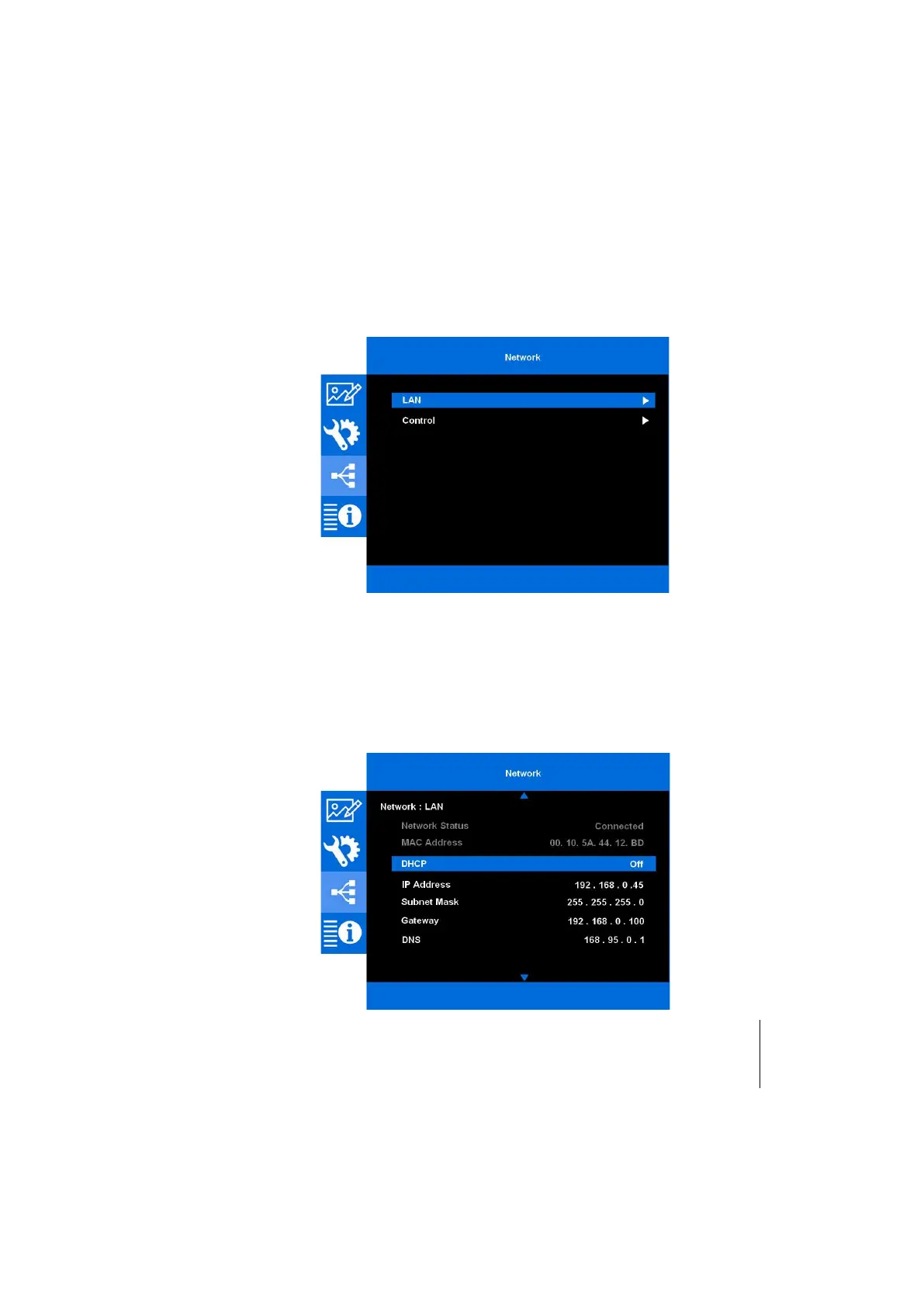
Network
This menu section provides access to the Ethernet connection installation and
diagnostics. The projector provides diverse networking and remote management
features.
The LAN / RJ45 function of the projector through a network, such as remotely
manage: Power On / Off, brightness, and contrast settings. Also, you can view the
projector status information.
Once the internal web pages have been preset, the projector can be accessed via a PC
to facilitate setup. Although CRYSTAL4-SH is a reliable machine, in case of
malfunctions to rotating parts and at higher temperature, such as fans, lamps, etc.,
the projector can send an email to a service center decided during installation,
notifying the type of malfunction occurred.
This projector can be controlled by using a PC (laptop) or other external device via
LAN / RJ45 port and compatible with Crestron, Extron, AMX (Device -Discovery) or
PJLink.
LAN
This sub-menu allows to setup Ethernet connection parameters.



 To Next Page