CRYSTAL4-SH
User Guide
55
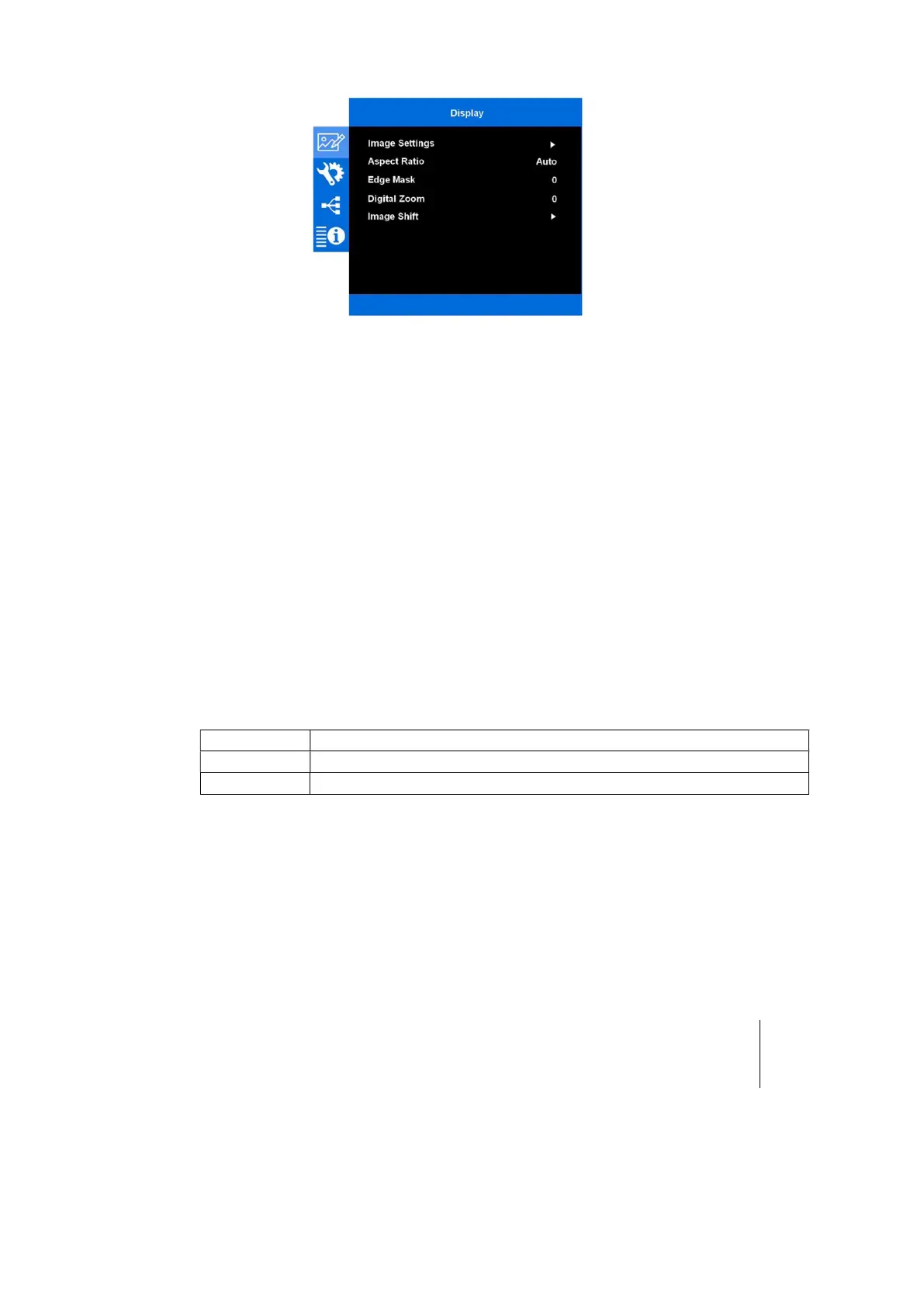
With this procedure, you will display a 16:9 image inside an anamorphic screen.
To get back to your anamorphic image, set the Digital Zoom value again to zero.
There are two options to directly set the 16:9 and anamorphic the image format to the
screen:
1. Using the remote control
2. Sending the proper serial command to the projector, via serial interface
Here below both the adjustment options
Set the Electronic Perfect Fit via Remote Control
The easiest and direct way to switch between the 2,35:1 and the 16:9 image format is
to push the button F1/F2 in the remote control:
The default F1 and F2 functions are, respectively “DigZoomMin” and “DigZoomNone”
More detail about them in the Remote Settings menu, on page 42.



 To Next Page