26
ADVANCED FUNCTIONS3.3.3
The “Advanced function” menu is accessed by pressing the key Menu (key #3): on the lower line the name of the function currently being displayed
appears; on the top line the referred value currently set on is displayed. If on the top line no value is displayed, this means that the item currently being
displayed on the lower line is a submenu which can be accessed by pressing the key Set (key #3).
The arrow keys allow the user browsing through the various menu items.
Whether a value is shown on the top line or not, to have the displayed function modified, the key Set (key #3) should be pressed: The value shown
on the top line starts blinking to let the user being informed that it can now be changed, while “Set” is replaced by “Ok”; the two bottom keys may be
two arrows or may also change in +/-, depending on the displayed data type; they are used to increase or decrease the data value. The new value is
confirmed by pressing the Ok key; then, the display reverts to the previous screen (unflashing).
By pressing the esc key (key #1), the display will return to the previous screen without confirming the new value. The display returns to the START
screen without confirming the new value by pressing the On/Off key (key #5).
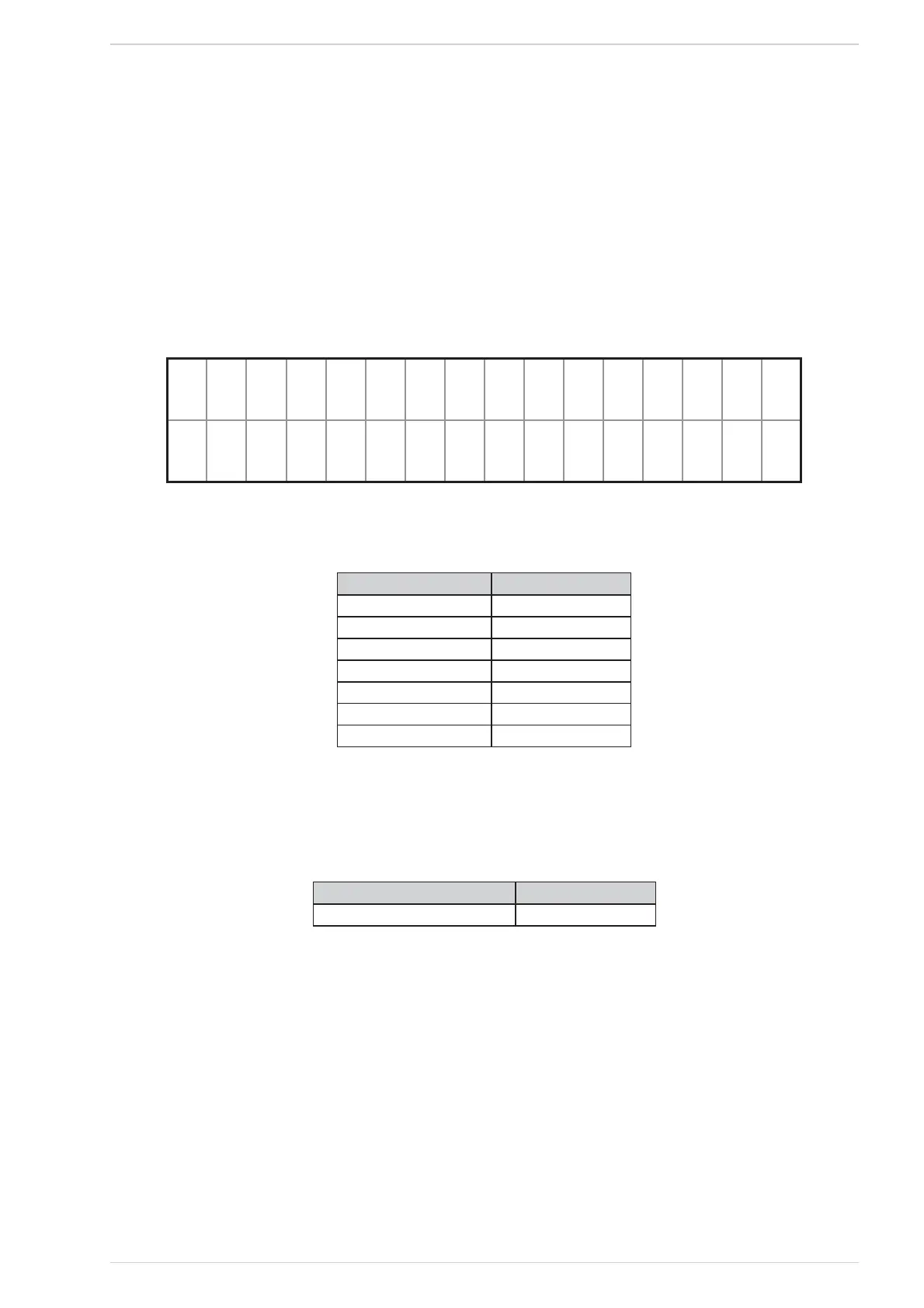
esc J et
Þ:hrono >
MENU screenFig. 52
In Table 5 the various functions are listed in the same order as they appear on the display, along with their values.
Function Value
Water Temp.** See § 2.5.4.1
Day and Time See § 2.5.4.2
Chrono See § 2.5.4.3
Settings See § 2.5.4.4
Technical menu See § 2.5.4.5
User Info See § 2.5.4.6
Warnings See § 2.5.4.7
Menu functions listTable 5
* This function is visible only if the heater is ON or in IGNITION.
** This function is visible only if the heater is “HYDRO” type and the storing tank option is disabled.
WATER TEMPERATURE MENU3.3.3.1
Function Value
Heating Temp. 40 ÷ 80
Water Temp. related functions listTable 6
This menu includes a set of data and parameters; on the top line no value is displayed but the word Set; by pressing the key #3 a submenu will be
acccessed with the same characteristics of the previous one.
The use of this menu is similar to the “Advanced Functions” menu (See § 2.5.4); the available functions are listed in “Table 6 Water Temp. related
functions list” , in the same order as they appear on the display, along with their values.
DATE AND TIME MENU3.3.3.2
The date and hour menu includes a set of data and parameters; on the top line no value is displayed but the word Set; by pressing the key #3, a submenu
will be acccessed with the same characteristics of the previous one.
The use of this menu is similar to the “Advanced Functions” menu (See § 2.5.4); the available functions are listed in “Table 7 Date and hour menu
functions list” , in the same order as they appear on the display, along with their values.


 To Next Page
 Loading...