25
HEATER FIRING UP/SHUTTING DOWN3.3.1.2
Firing (or shutting-down) the controlled heater is accomplished by pressing the ON/OFF key (key #5) from within the START screen; the panel will
beep and the displayed status will be updated.
QUICK ACCESS FUNCTIONS3.3.2
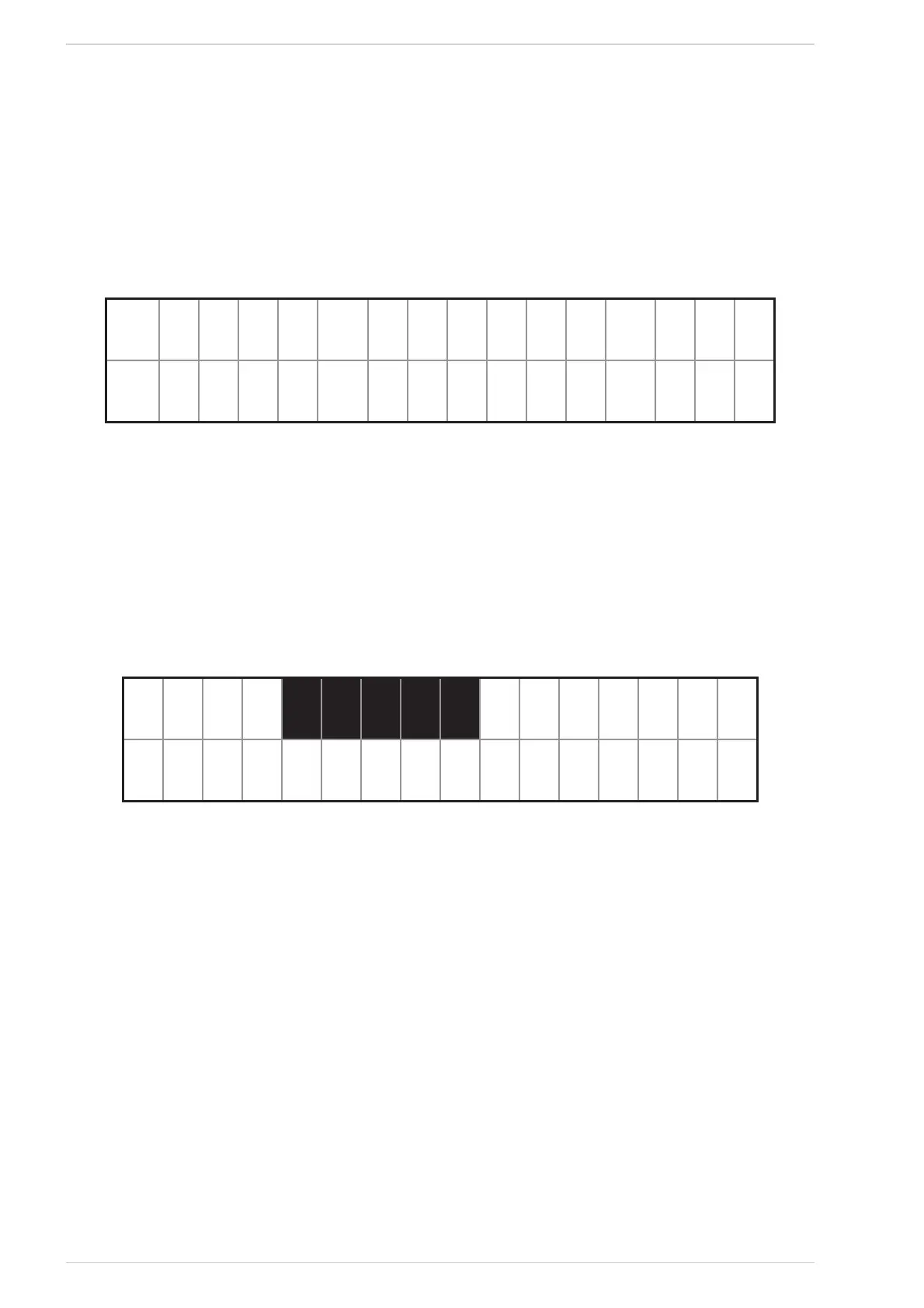
By pressing one of the 4 side buttons from within the START screen changes the display to the SELECTION screen (See Fig. 50), where the “quick
access functions” may be set.
mode D8EL Denu
= ire 4
SELECTION screenFig. 50
As shown in the picture, the main function descriptions appear close to the 4 buttons.
The advanced functions may be selected by pressing the • Menu key (See § 2.5.4).
The• Fire key cycles through the power values.
The display reverts back to the START screen by pressing the • On/Off key.
POWER FINE SETTING3.3.2.1
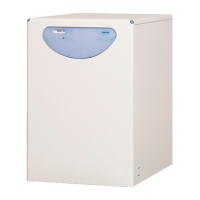
The Fire key (key #2) cycles the requested power values sequence. By holding the key pressed for 2s, the selection screen will appear (See Fig. 51);
from within this screen the value may be changed by1 level steps, within an interval ranging from 1 to the maximum value which depends on the
controlled heater model (3 ÷ 9).
esc Oc
- = ire +
SET_POT screenFig. 51
The value on the top line flashes to let the user know that it may now be changed. By pressing the buttons + (key #4) and - (key #2), the value may be
increased/decreased, while the key Ok (key #3) confirms the new value and the display reverts to the SELECTION screen (See Fig. 50).
By pressing the esc key (key #1), the display returns to the SELECTION screen without confirming the new value. The display returns to the START
screen without confirming the new value by pressing the On/Off key (key #5).
ECO MODE3.3.2.2
(See § 2.5.4.4 )
In Manual Mode, it’s possible to enable this function only if the Thermostat option is active .
In the Automatic Mode , however, it’s always possible to enable this function .
ECO function remains active until it is set off from within the setting menu (See § 2.5.4.4).



 To Next Page