24
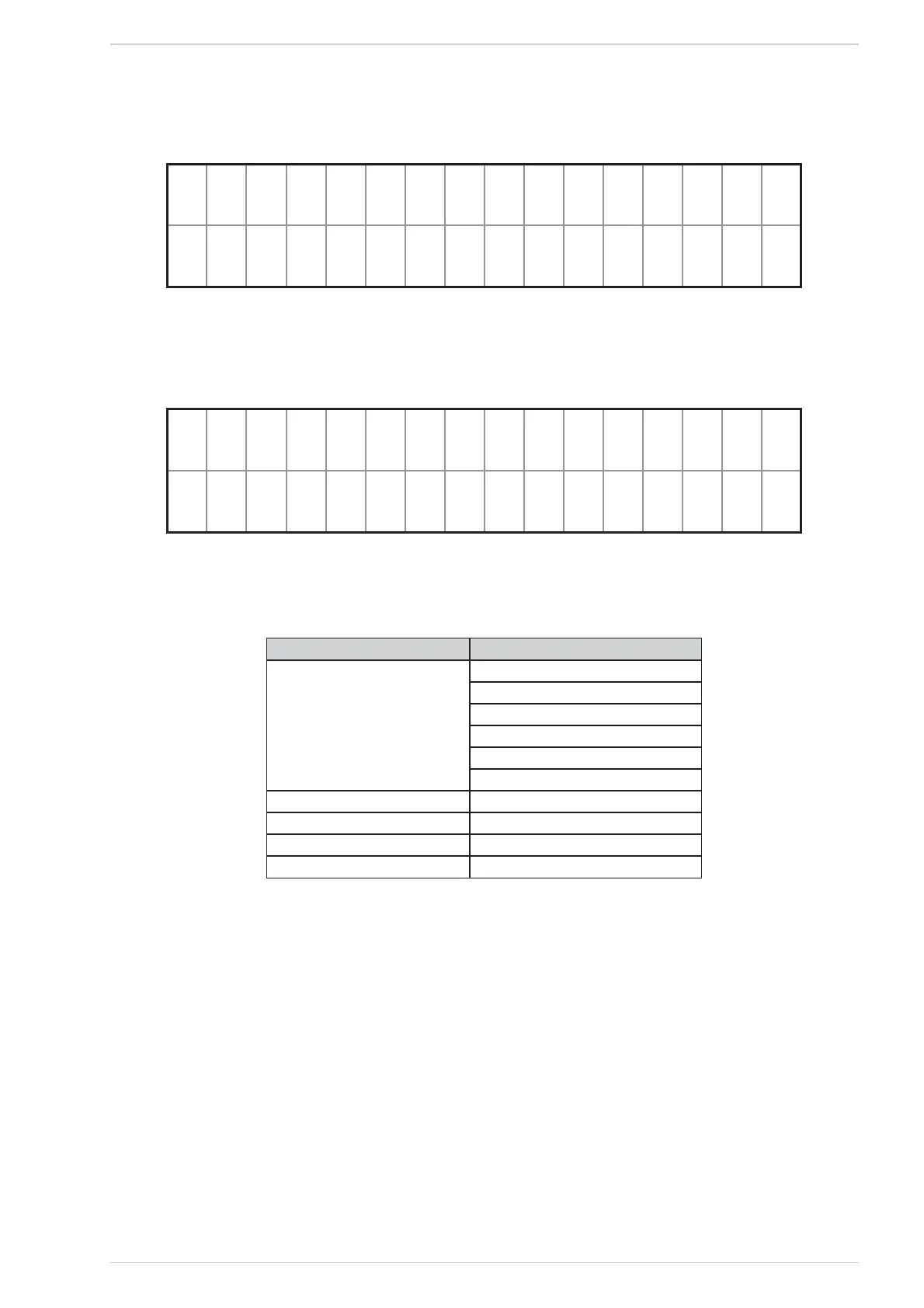
After about 12s the “START” screen appears (See Fig. 48); this means that the system is ready.
o
:?2O ~ 23
O == >
START screenFig. 48
On the top line the current temperature (resolution 0,5°C) and the time are shown (See Fig. 49). On the bottom line the system alternates every 2s the
text strings describing the controlled heater current status, the active functions (Table 4) and the active alarms, if any;
o
:?2O ~ 23
O == >
START screen (water boiler as controlled heater type)Fig. 49
Function Displayed string
Controlled heater current status
IGNITION
ON
SHUT DOWN
OFF
SHUT DOWN AFTER POWER FAILURE
IGNITION AFTER POWER FAILURE
Crono mode active Crono Prog
Modem active Modem is Active
Eco active Eco is Active*
Alarm conditions active Alarms**
Displayed strings in the START screenTable 4
* This notification is only displayed if the ECO option is on and no OFF command has been issued by the user (or an ON command has been
issued).
** This notification is displayed only if at least one alarm condition is currently active.
For all the screens which will be described below, the display backlighting will be maintained to the maximum; if no key is pressed for 10s the display
will then revert to the START screen (See Fig. 48); after reverting to this screen the display backlighting will be dimmed (See § “BACKLIGHTING”
3.3.3.4) and, after other 20s, the backlighting will be turned off. Exceptions to this rule are outlined in the corresponding screen descriptions.
When the display backlighting is off, when any key is pressed it turns back on, and the SELECTION screen appears (See Fig. 50); this screen is
described in paragraph 2.5.3.



 To Next Page