8
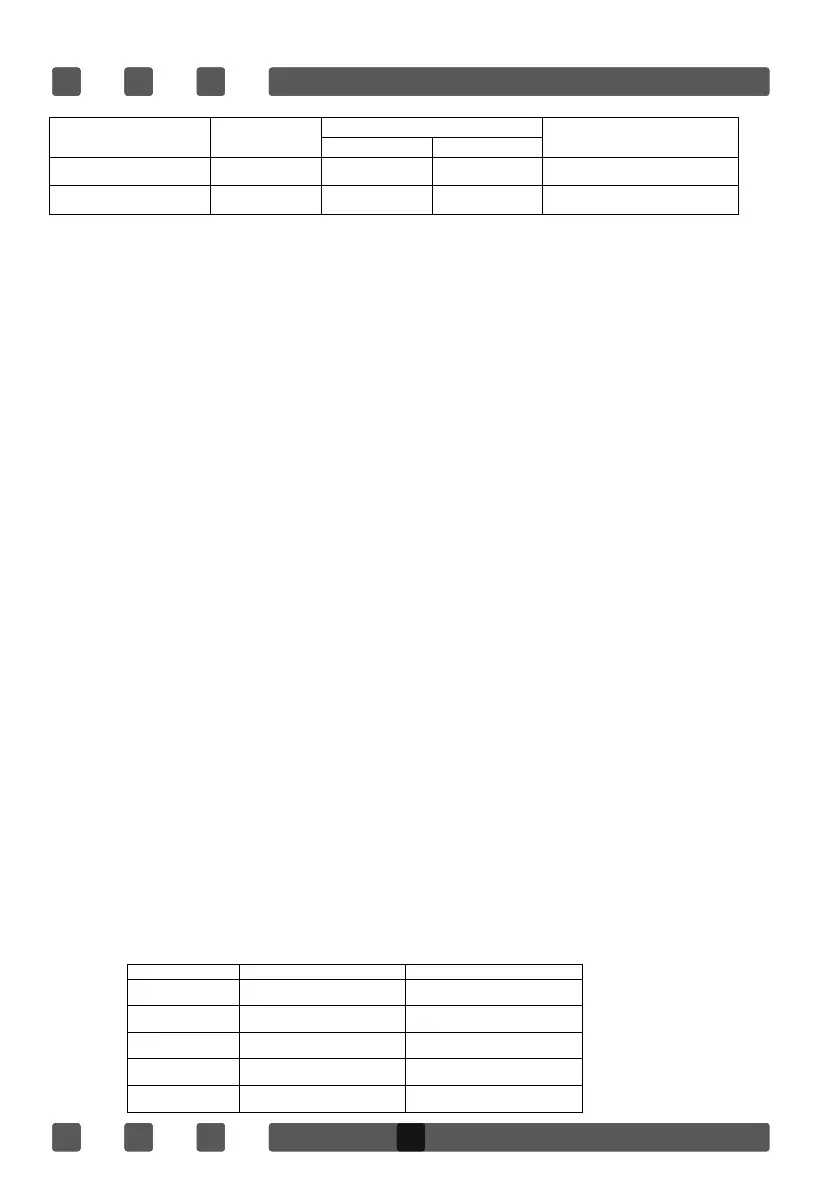
Prece Combi.button Combination
Cooking time
Use
Microwave Grill
once Co-1 30% 70% fish, potatoes or au gratin
twice Co-2 55% 45%
pudding, omelets, baked
potatoes and poultry
3.
Turn Time/Menu to 25:00.
4.
Press Start/Quick Start to start.
QUICK START
Use this feature to program the oven to start at 100% power conveniently. The
max time ca
n be set is 10minutes. During cooking, you can also press this pad to
add cooking time.
KITCHEN TIMER
You could set the oven timer to remind you the cooking time. The longest time you
can set is 95 minutes. Suppose you want to set the kitchen timer for 30 minutes :
KITCHEN TIMER
You could set the oven timer to remind you the cooking time. The longest time you
can set is 95 minutes.
Suppose you want to set the kitchen timer for 30 minutes :
1. Press Clock/Kitchen Timer button once.
2. Rotate the digital knob Time/Menu to set 30 minutes.
3. Press Start/Quick Start button to confirm.
Note : when the timer is counting, you can press Clock/Kitchen to see the timer and
press Stop/Cancel within 5 seconds to cancel it.
MENU COOK
For food or the following cooking mode, it is not necessary to program the time and the
cooking power. It is sufficient to indicate the type of food that you want to cook as well
as the weight of this food.
Food Code Menu Cook model
A-1 POPCORN (99g)
MICRO.
A-2 COFFEE (200ml/cup) MICRO.
A-3 FRESH VEGETABLE (g) MICRO.
A-4 POTATO (230g/unit) MICRO.
A-5 PIZZA (g) MICRO.
1. Open the door and place the food into the oven, close it.
2. Press Start/Quick Start button in quick succession to set the cooking time. The
oven will auto-start immediately
1. Press Clock/Kitchen Timer button once.
2. Rotate the digital knob Time/Menu to set 30 minutes.
3. Press Start/Quick Start button to confirm.
Note : when the timer is counting, you can press Clock/Kitchen to see the timer and
press Stop/Cancel within 5 seconds to cancel it.
1. Open the door and place the food into the oven, close it.
2. Rotate the digital knob Time/Menu in anti-clockwise direction once and turn it again to
select food code.
3. Press Wei. Adj. to enter weight, check the screen for number of servings or preset
weights, which should match weight of food you have placed in the oven.
4. Press Start/Quick Start to start.


 To Next Page