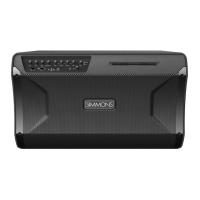
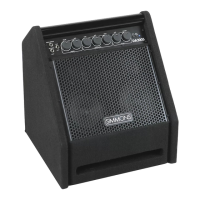
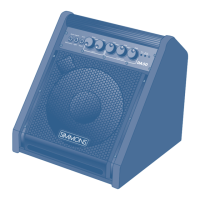
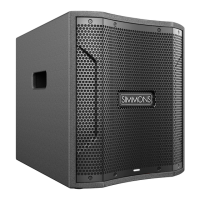
DA2100 SERIES ADVANCED ELECTRONIC DRUM AMPLIFIERS
7
VOLUME CONTROLS
• Turn all
3
input level control knobs to the minimum position
• DA2112 only: also turn the Master
4
knob to minimum
VOICING SWITCH
• Set the
5
Voicing switch to Floor when using the amplifier lying horizontally on the floor, or free-standing vertically
• Set the switch to Pole when using the amplifier on a speaker pole
POWER ON
• Power on the drum sound module and set its output volume to max
• Then power on the amplifier, via the rear panel switch
• DA2112 only: turn the Master
4
knob to noon position
• Turn up the INPUT 1 knob
3
while playing your drum sound module, until you reach a comfortable listening level
EQ
• Turn the EQ knobs
6
to adjust your tone as desired
QUICK START: CONTROLS
DA2108 FRONT PANEL
DA2110 FRONT PANEL
DA2112 FRONT PANEL
3
46
6
6
3
3
5
5
5
21506756 Simmons DA2100 Series manual_REV.indd 721506756 Simmons DA2100 Series manual_REV.indd 7 6/14/21 10:55 PM6/14/21 10:55 PM



 To Next Page