www.simmonsdrums.net
21
The first name in electronic drums.
Song mode
Playing a Song
1. Press PLAY/STOP to play a song.
2. Press the PLAY/STOP button to stop playback of the song.
NOTE: You can temporarily change the tempo of a song while playback is in
progress. The song returns to its preset tempo when a different song is selected.
Muting the Drum Part
1. While a Song is playing press the PLAY/STOP and CLICK Button at the
same time. This will mute the drum sound.
2. To unmute the Drums press the PLAY/STOP and CLICK Buttons at the same
time again.
Copy Song
You can copy Preset song to user song, then erase Drums or
Accompaniment track, Re-Recording.
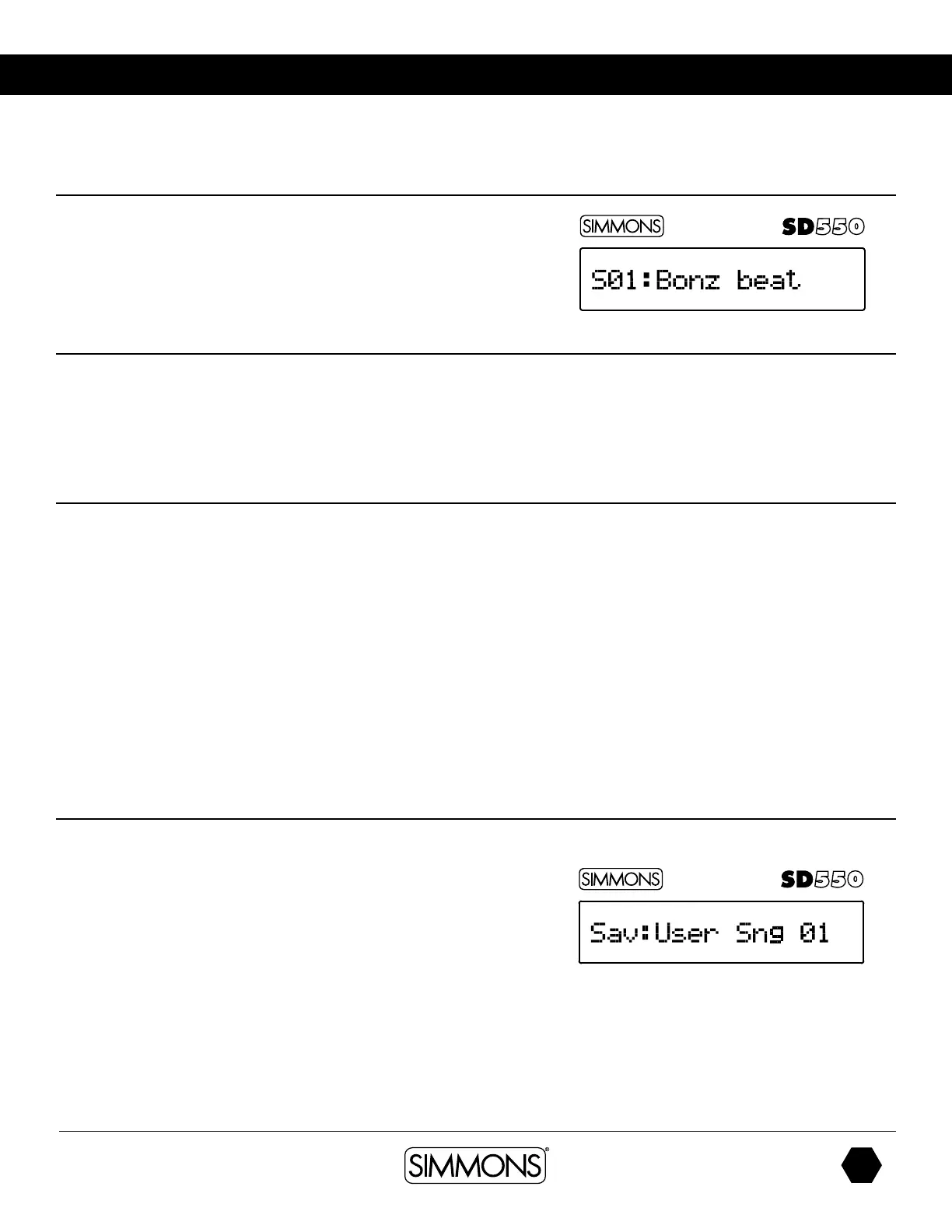
1. Select a Song.
2. Press the SAVE/ENTER button to save the to a User song
3. Press the -/+ buttons to choose the User song for save
4. Press the SAVE/ENTER button to rename the User song.
5. Press the PAGE button to move the cursor
6. Press [+/-] to change the character
7. Press the SAVE/ENTER confirmation
If you want to rename user song, song save to the original position, then
use the rename instructions.
Editing a Song
1. Press the SONG Button. The current song will be displayed.
2. If you wish to change to another song press the -/+ buttons until you get to
the Song you want to edit.
3. From the Song you have selected press the PAGE button. The first selection is
the Accompaniment Volume (Acc Vol).
4. Press the -/+ buttons to set the value for the volume. To move to the next
parameter press the PAGE button. Each time you press the PAGE button you
will come to the next parameter. See the list below of the parameters for Songs.
• Acc Volume
• Drum Volume
• Mute Select: Part Mute - Drums or Accompaniment
• Kit Link: Kit follows the song changes
• Erase Track - Erase Drums or Accompaniment track
(only user song)


 To Next Page