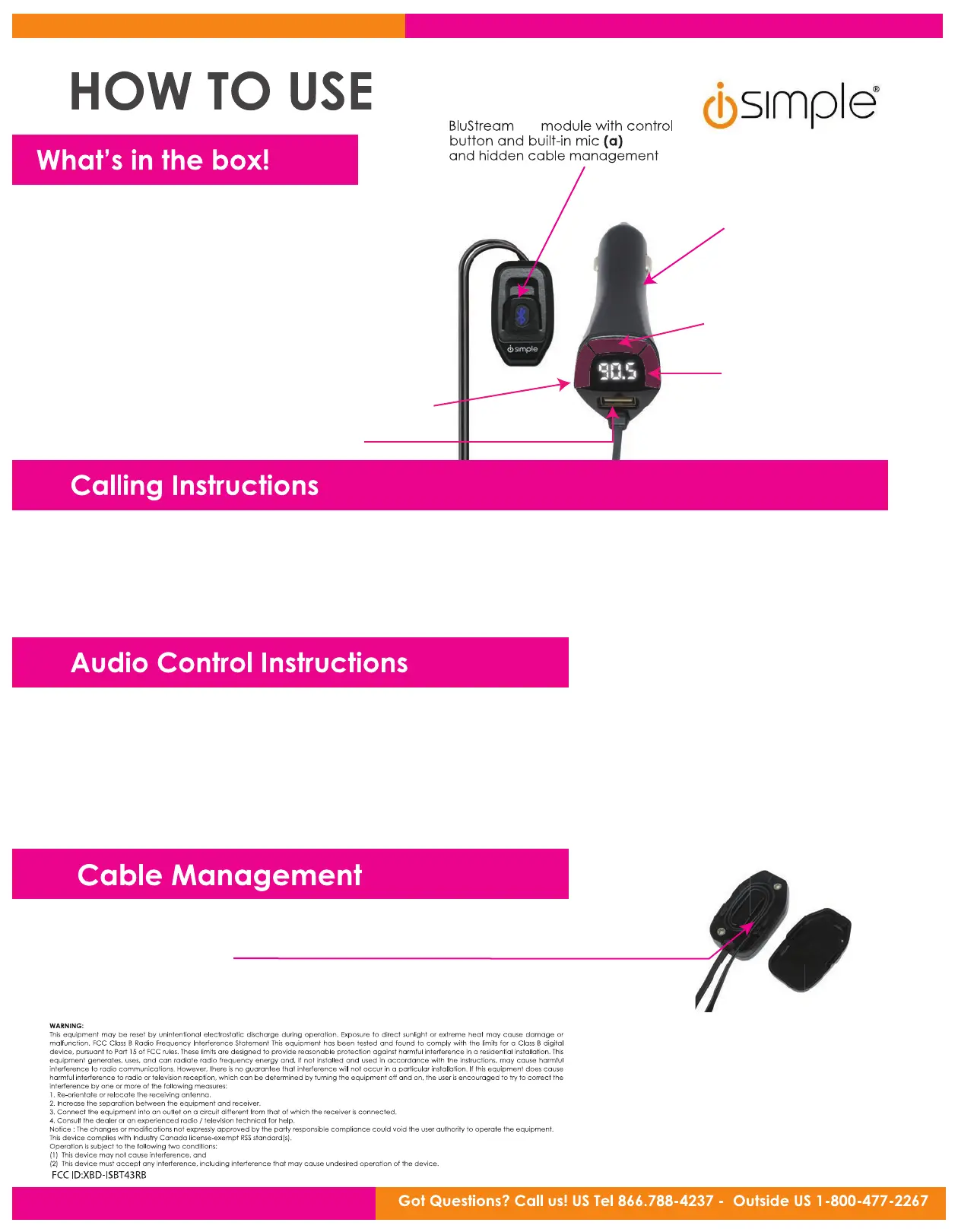
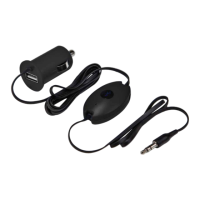
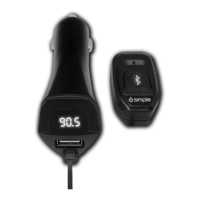
BluStream FM transmitter (b)
with USB port (charging cable
not included)
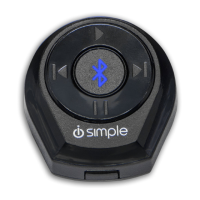
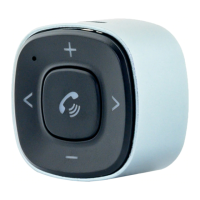
To answer incoming calls: Press the BluStream FM center control button (a) once
To end calls: Press the BluStream FM center control button (a) once
To redial last call: Press the BluStream FM center control button (a) twice (can only do this when not in music
playback mode)
Play/Pause: Press the BluStream FM center control button (a) once
Skip to the next track: Press the BluStream FM center control button (a) twice
To enter Siri or Google mode: Press and hold the BlueStream FM center control button
(a) until you hear
a beep, then release button. If already streaming music, saying “Hey Siri” or “OK Google” will activate,
depending on your phone’s settings.
Step 1. Slide the back cover on module (a) up to remove it
Step 2. Remove the cable from under the tab and start winding clockwise
around the center
Step 3. Tuck the cable back under the tab when you are finished
Step 4. Replace the back cover
FM
Forward
scan
button
Preset scan button **
**Press and hold,
auto scans all frequencies
REV180508
Back
scan
button
USB charging port
(charging cable not included)


 To Previous Page