Removing the Apostrophe from the iPhone name to improve Bluetooth operaƟon
on devices running iOS 7.0 and higher.
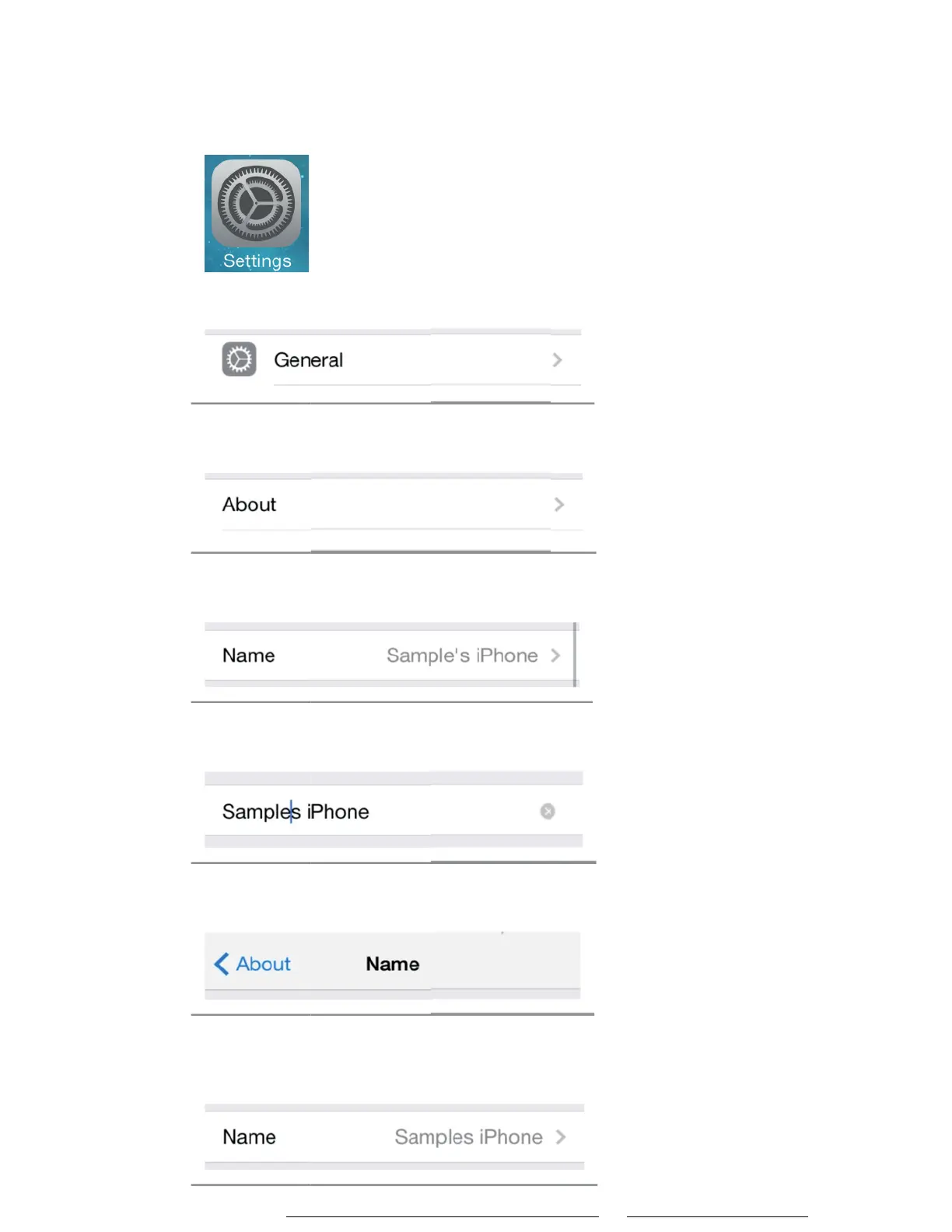
This can be quickly done directly from the iPhone itself following these steps.
1) Touch “Seƫngs” icon on iPhone home screen
2) Touch “General”
3) Touch “About”
4) Touch “Name”
5) Select the Apostrophe ( ‘ ) and remove it
6) Touch “About” when done
7)
Phone name without ( ‘ ) should work properly,
aŌer establishing a new Bluetooth connecƟon.
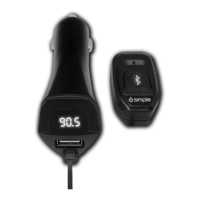
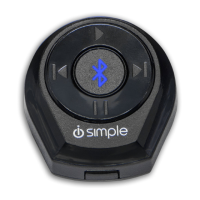
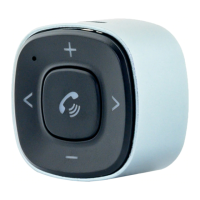
Learn more about other car stereo / video installation parts by iSimple on our website.


 To Previous Page