10 Pro Drive User Guide
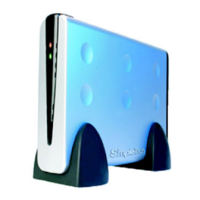
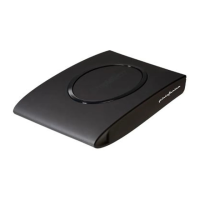
Views of the Pro Drive
• Fabrik Ultimate Backup (downloader)
• Fabrik Local Backup (preloaded)
• Warranty Card
• AC Adapter
• Quick Installation Guide
• Mac Formatting Notes
Views of the Pro Drive
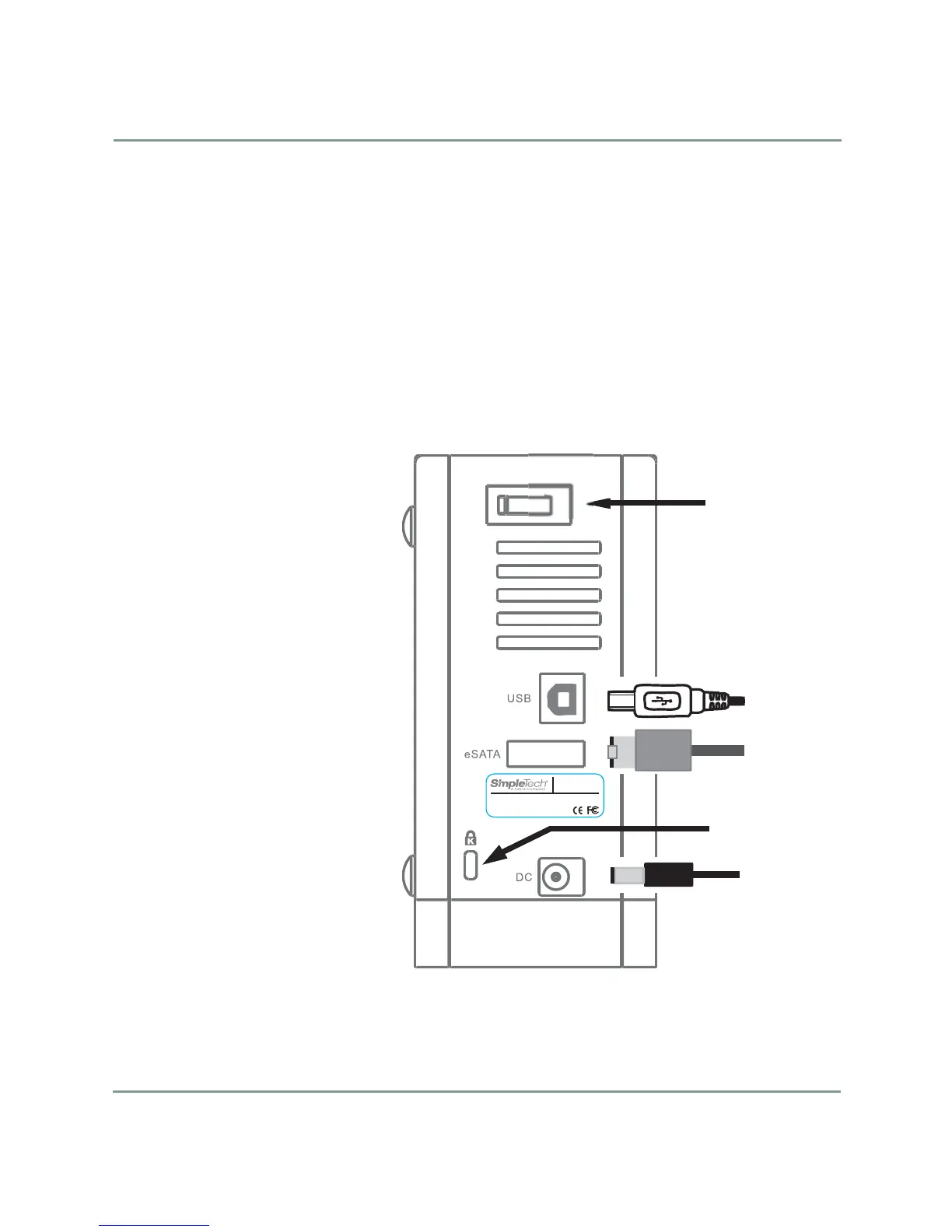
All of the connectors, switches, and security lock are located on the rear panel
of the Pro Drive and are described in the following illustration.
Model No.: xxxx-xxxxx-xxx
DC input
socket for
AC adapter
Security
lock slot
(optional)
Power
ON/OFF
Connect
USB OR
eSata cable
between
drive and
computer
Rear Panel View


 To Next Page