Using the Pro Drive 11
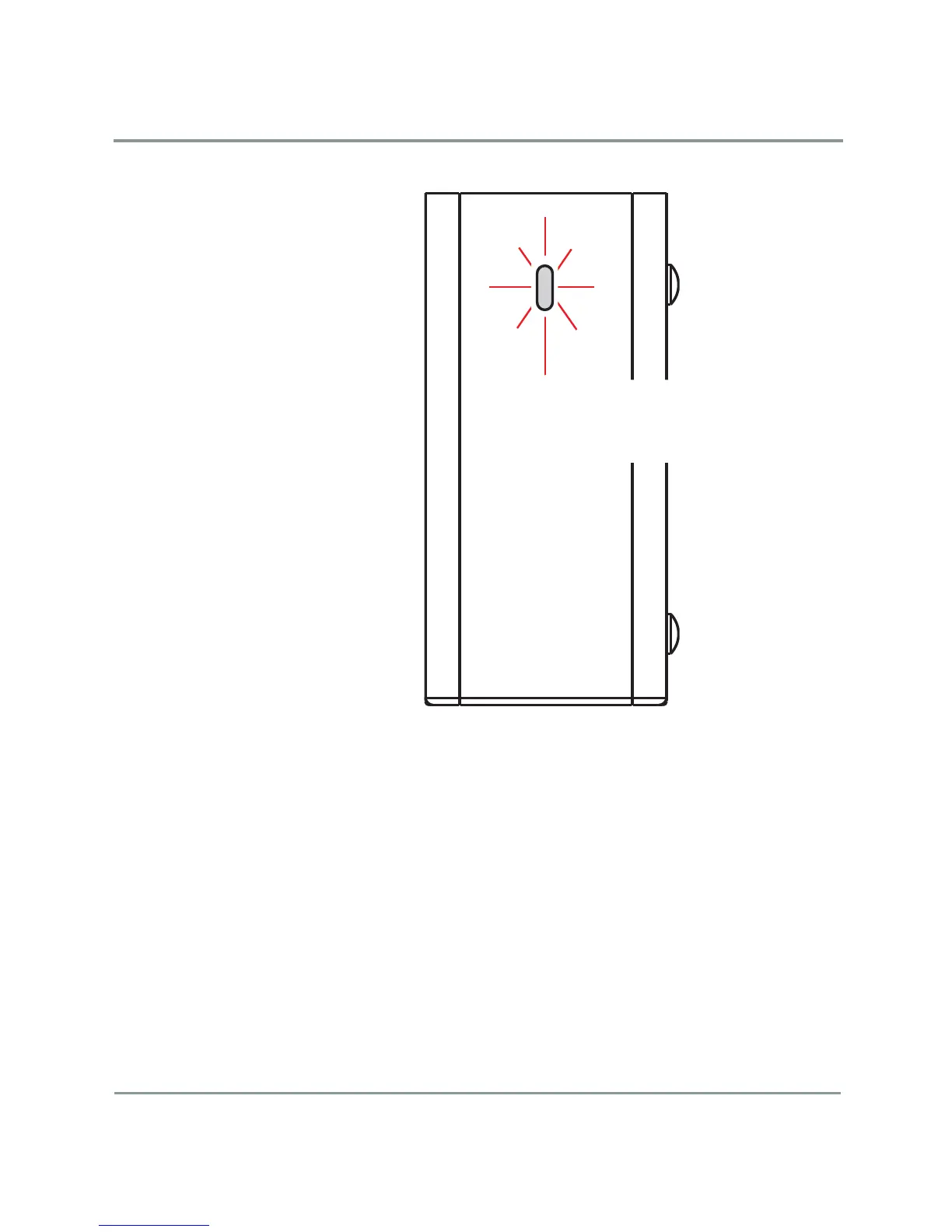
LED Behavior (Front Panel)
The front panel contains the LED status indicator.
LED Behavior (Front Panel)
The LED on the front panel of the drive has two states:
• Steady glow: The drive is on and ready for use
• Blinking: The drive is active (read, write, rebuild)
eSATA Cables and Interface Cards
In order to use your Pro Drive with eSATA it may be necessary to install a
SATA II PCI, PCI X or PCI Express card. Most computers do not ship with
external SATA ports so a PCI card must be installed to use this feature. For
more info on expansion cards, visit www.simpletech.com/support.
LED Status
Steady Glow: Ready
Blinking: Drive active (read/write)
Front Panel View


 To Next Page