10 using your refrigerator / changing the light bulb Simpson Refrigeration
Changing the light bulb Using your refrigerator
This section tells you how to make the most of the many useful
features and how to clean them.
Door storage bins
Both refrigerator and freezer are fitted with door storage bins. You
can adjust the refrigerator bins to meet different storage needs. All
the door bins are completely removable for cleaning. If you want to
remove or adjust a bin, lift it over the support lugs on the inner door
panel. To replace, push the bin down over the support lugs to lock it
in place.
Crisper bin
You can use the crisper bin to store vegetables, fruit or smallgoods.
You can change the humidity inside the bin by sliding the
humidity control.
• Storing vegetables
You should store vegetables in the crisper bin remembering to set
the humidity control to more humid (closed).
• Storing fruit & smallgoods
You can also store fruit & smallgoods in the crisper bin remembering
to set the humidity control to less humid (open).
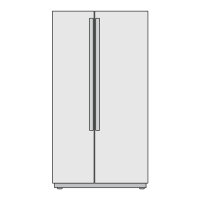
Changing the light bulb – Side by Side fridge
1. Switch off the power at the power point and remove the
refrigerator’s power cord from the power point.
2. Carefully unclip the light cover. You do this by inserting your
fingers behind the top of the light cover and pulling it out while at
the same time pushing it up at the bottom.
3. Pull the cover out until it is clear of the housing.
4. Unscrew the light bulb and replace it with a bulb that is the same
as the original.
5. Replace the cover by inserting the tab back into place and pushing
in the cover with both hands at the top.
6. Wait 5 minutes to ensure pressures in the refrigeration system
are equalized. Then reconnect and turn the refrigerator on at the
power point.
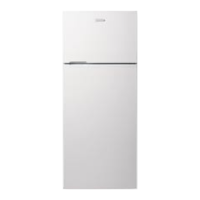
Changing the light bulb – Top and Bottom Mount fridge
1. Switch off the power at the power point and remove the
refrigerator’s power cord from the power point.
2. Carefully unclip the light cover. You do this by pushing the light
cover tabs at the front towards the back of the cabinet, then
lowering the cover down.
3. Unscrew the light bulb and replace it with a bulb that is the same
as the original, as specified on the rating plate behind the cover.
4. Replace the light cover by hooking the light cover lugs into the
rear of the housing and pressing the front of the cover until it
clips in.
5. Wait 5 minutes to ensure pressures in the refrigeration system
are equalized. Then reconnect and turn the refrigerator on at the
power point.



 To Next Page