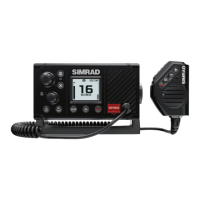
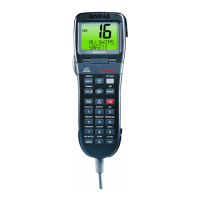
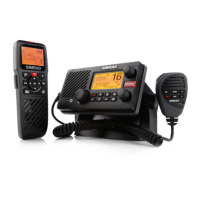
RS25/AHK05 Quickstart Guide
9
Select a Favorite Channel
Base Unit and
Optional Handset
1 Press
3CH
to toggle through each of the
three favorite channels until the desired
channel is shown.
3CH
Store 3 Favorite Channels
Base Unit and
Optional Handset
1 Select the channel.
2 Hold down
3CH
to store this channel as your
first favorite channel, CH1.
3 Repeat to store your second favorite channel
as CH2.
4 Repeat again to store your third favorite
channel as CH3.
3CH
Scan/Stop Scanning a Favorite Channel
Base Unit and
Optional Handset
1 Select the favorite channel.
2 Press
3CH
then immediately press and
release
SCAN
.
3 Press
SCAN
again to stop.
3CH
SCAN
Scan all 3 Favorite Channels
Base Unit and
Optional Handset
1 Press
3CH
then immediately
press and hold down
SCAN
.
2 Press
SCAN
again to stop.
3CH
SCAN
Delete a Favorite Channel
Base Unit and
Optional Handset
1 Select the favorite channel.
2 Hold down
3CH
until a confirmation
message appears on the LCD.
3 Select YES to delete.
3CH


 To Next Page