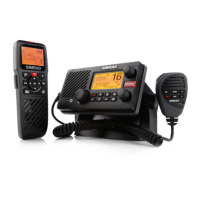
RS25/AHK05 Quickstart Guide
6
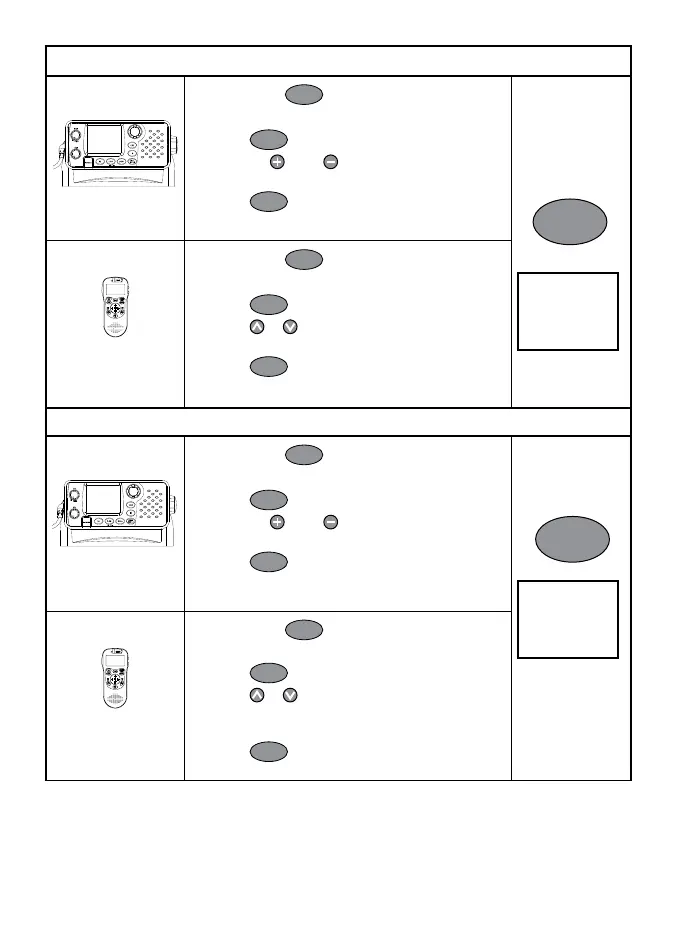
Set the Backlighting Levels
Base Unit
1 Hold down
CALL
MENU
to show the Radio Menu.
2 Scroll through the menu listing to BACKLIGHT.
3 Press
ENT
or push the rotary knob.
4 Press CH
or CH to select the desired
backlight level. There are 8 levels.
5 Press
ENT
or push the rotary knob to store the
setting.
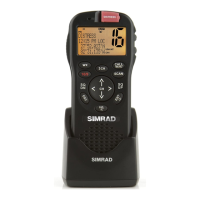
Optional Handset
1 Hold down
CALL
MENU
to show the Radio Menu.
2 Scroll through the menu listing to BACKLIGHT.
3 Press
ENT
.
4 Press
or to select the desired backlight
level. There are 8 levels.
5 Press
ENT
to store the setting.
Set the Contrast Levels
Base Unit
1 Hold down
CALL
MENU
to show the Radio Menu.
2 Scroll through the menu listing to CONTRAST.
3 Press
ENT
or push the rotary knob.
4 Press CH
or CH to select the desired
contrast level. There are 8 levels.
5 Press
ENT
or push the rotary knob to store
the setting.
Optional Handset
1 Hold down
CALL
MENU
to show the Radio Menu.
2 Scroll through the menu listing to CONTRAST.
3 Press
ENT
.
4 Press
or to select the desired contrast
level.
There are 8 levels.
5 Press
ENT
to store the setting.
MENU SELECT
BUDDY LIST
LOCAL/DIST
>BACKLIGHT
CALL
MENU
MENU SELECT
LOCAL/DIST
BACKLIGHT
>CONTRAST
CALL
MENU


 To Next Page