8. Change from Portrait to Landscape
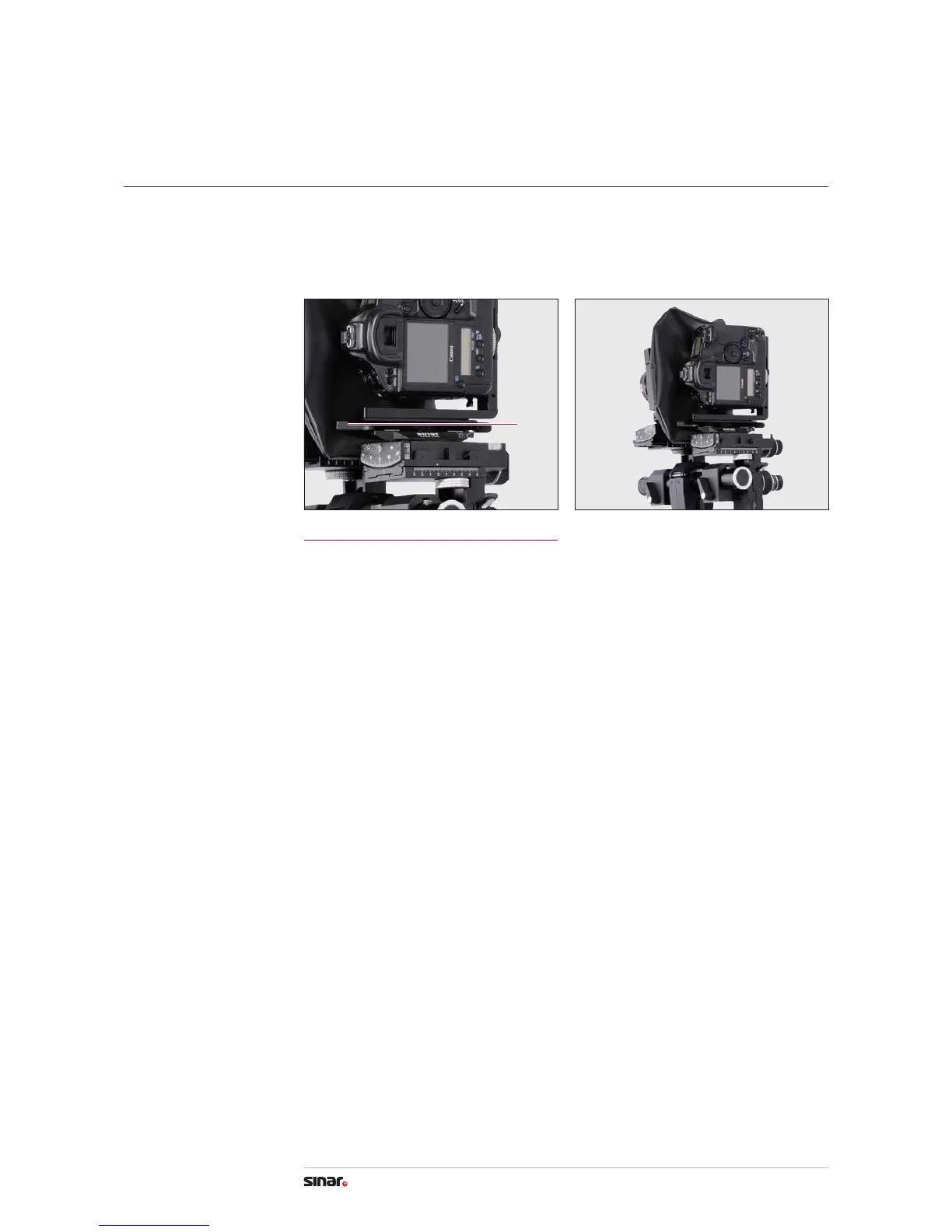
Change the format from portrait to landscape as follows:
1. To remove the camera, release the Quick Clamping Lever by pressing it forward. Keep the
lever pressed and lift o the camera with the L-bracket from the bearer of the p3. Rotate
camera to portrait format and reattach, tighten the lever by pulling it backwards.
Portrait/Landscape
1
Stopping Lever
Press the lever forwards for release.
1
15
p-slr User Manual


 To Next Page