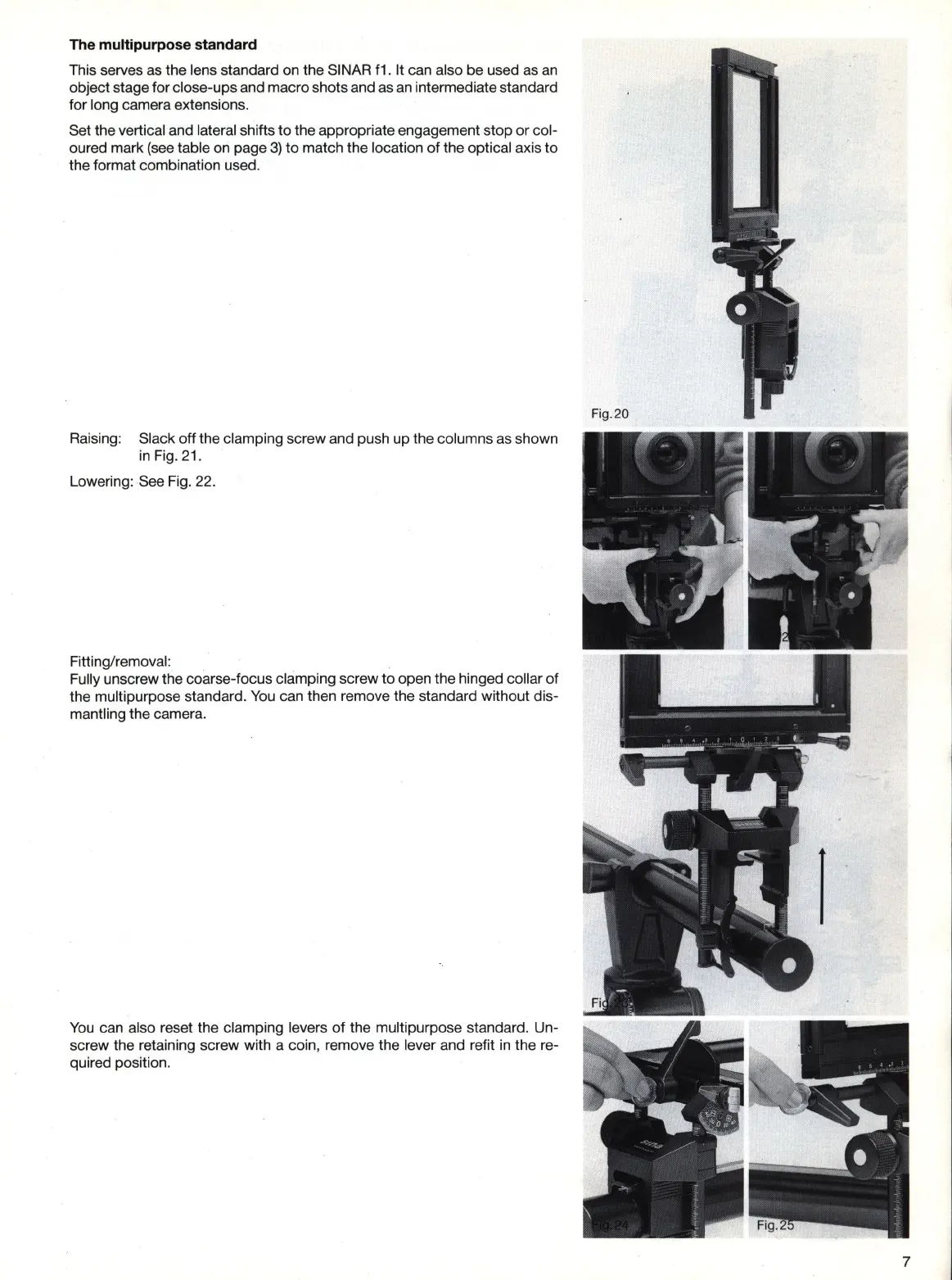
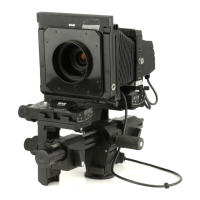
The multipurpose standard
This serves
as
the lens standard on the SINAR
f1
. It can also be used as
an
object stage for close-ups and macro shots and as
an
intermediate standard
for long camera extensions.
Set the vertical and lateral shifts to the appropriate engagement stop or col-
oured mark (see table on page
3)
to
match the location
of
the optical axis
to
the format combination used.
Raising: Slack off the clamping screw and push up the columns
as
shown
in
Fig. 21.
Lowering: See Fig. 22.
Fitting/removal:
Fully unscrew the coarse-focus clamping screw
to
open the hinged collar
of
the multipurpose standard.
You
can then remove the standard without dis-
mantling the camera.
You
can also reset the clamping levers of the multipurpose standard. Un-
screw the retaining screw with a coin, remove the lever and refit
in
the re-
quired position.
7


 To Next Page