EasyManua.ls Logo

Singer HD 6600C - User Manual

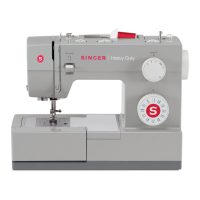
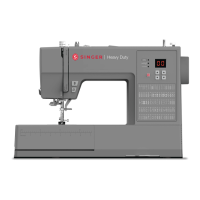
Singer HD 6600C
38 pages
Print Icon
To Next Page IconTo Next Page
Loading...
00 01 02 03 04 05 06 07 08 09 10 11 12 13 14 15 16 17 18 19
20 21 22 23 24 25 26 27 28 29 30 31 32 33 34 35 36 37 38 39
40 41 42 43 44 45 46 47 48 49 50 51 52 53 54 55 56 57 58 59
60 61 62 63 64 65 66 67 68 69 70 71 72 73 74 75 76 77 78 79
80 81 82 83 84 85 86 87 88 89 90 91 92 93 94 95 96 97 98 99
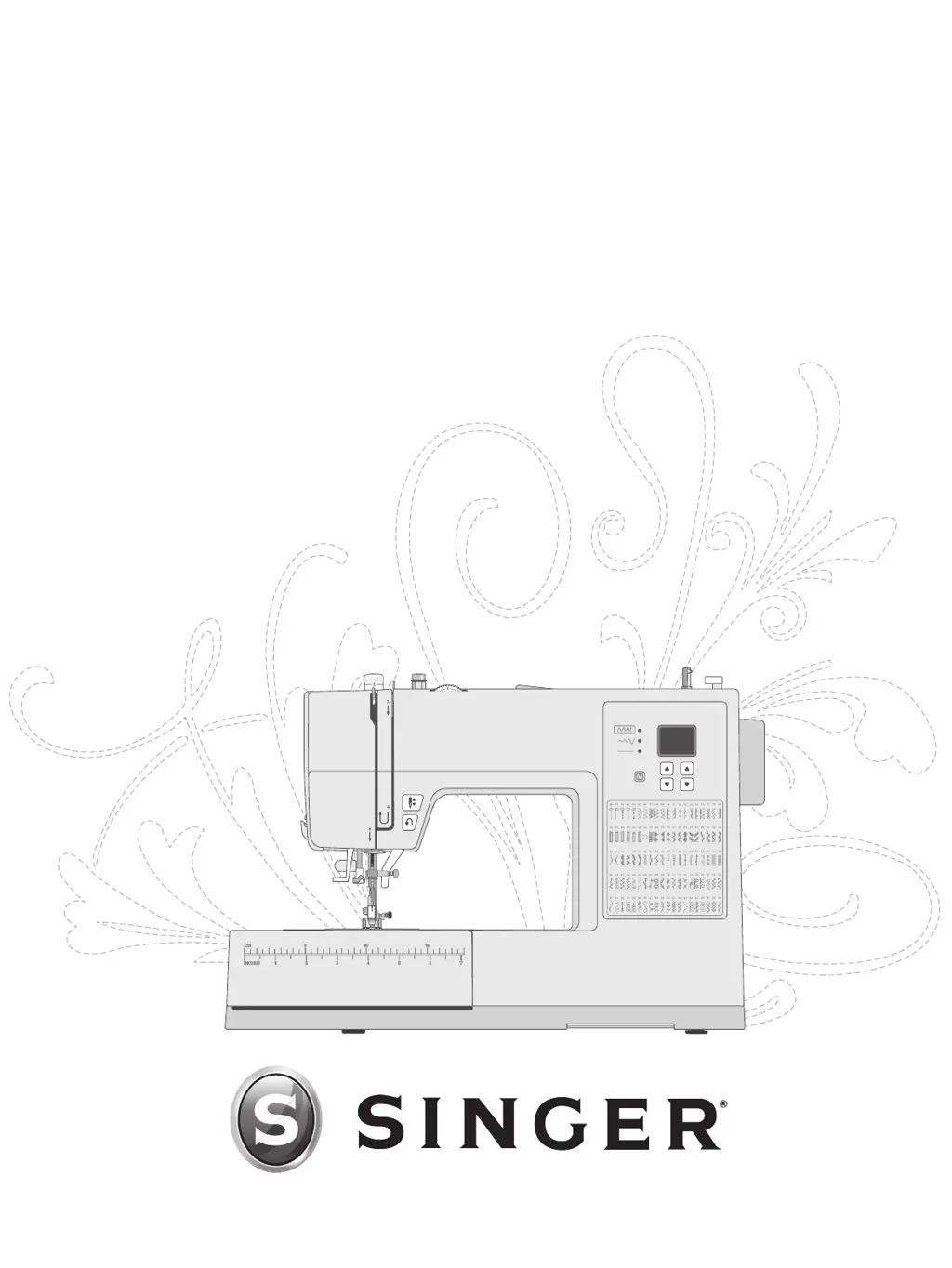
INSTRUCTION MANUAL
HD 6600C HD 6605C

Questions and Answers

  • K
    keithbrianSep 9, 2025
    Why are my Singer HD 6600C Sewing Machine needles breaking?
    • Y
      yreynoldsSep 9, 2025
      Needles may break because they are bent, dull, or damaged, so discard the needle and insert a new one. Also, you might be using the wrong size needle for the fabric, so insert the appropriate needle for the fabric type. Ensure that the machine is threaded correctly by rethreading it completely. Avoid manually pushing or pulling the fabric while sewing.
  • L
    Lori MartinSep 12, 2025
    How to fix fabric puckering with my Singer HD 6600C?
    • G
      Gregory PerezSep 12, 2025
      Fabric puckering can occur if the top thread is too tight, so reduce the top thread tension. Also, the stitch length might be set too short, so increase the stitch length setting. Using the wrong style needle for the fabric type can also cause puckering, so use the correct needle style and size for your fabric.
  • M
    markbrownSep 12, 2025
    Why are my Singer HD 6600C Sewing Machine stitches distorted?
    • H
      Heather StewartSep 13, 2025
      Stitches can become distorted if you are manually pushing or pulling the fabric, so avoid doing this. Also, the stitch length setting may be incorrect, so adjust it. A stabilizer may also be needed underneath the fabric.
  • T
    tanya45Sep 15, 2025
    What causes fabric tunneling under stitches on my Singer HD 6600C Sewing Machine?
    • Y
      Yolanda HayesSep 15, 2025
      Fabric tunneling under stitches is caused by the fabric not being properly stabilized for the density of the stitches. Add a fabric stabilizer underneath the fabric to help keep the stitches from tunneling in together.
  • D
    Dillon Ochoa DDSSep 17, 2025
    How to fix a Singer HD 6600C needle threader that is not working?
    • M
      Michael MorrisSep 17, 2025
      If the needle threader isn't working, raise the needle to its highest position by turning the hand wheel toward you. Ensure the needle is all the way up in the needle clamp. The needle may be bent, so remove it and insert a new one.

Summary

Safety Instructions and Warnings

DANGER - REDUCE RISK OF ELECTRIC SHOCK

Essential precautions to prevent electrical hazards and shock.

WARNING - REDUCE RISK OF BURNS, FIRE, OR INJURY

Critical warnings for preventing burns, fire, and personal injury during use.

Regional Safety Guidelines and Storage

Sewing Machine Preparation and Setup

Machine Setup and Initial Connections

Guide to unpacking, connecting the power supply, and packing the machine.

Core Sewing Techniques and Processes

Sewing Machine Maintenance and Cleaning

Sewing Machine Troubleshooting and Solutions

Thread, Bobbin, and Feed Issues

Solutions for thread loops, bobbin problems, fabric puckering, and feeding issues.

Singer HD 6600C Specifications

General IconGeneral
Needle ThreaderAutomatic
Bobbin TypeTop Drop-In
Needle Positions13
Presser Feet Included10
Maximum Stitch Length6mm
Maximum Stitch Width7mm
Drop FeedYes
Free ArmYes
Warranty25-year limited
Stitch OptionsDecorative, Stretch

Related product manuals