EasyManua.ls Logo

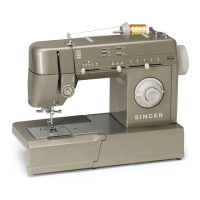
Singer HD 6705C - User Manual

Singer HD 6705C
44 pages
Print Icon
To Next Page IconTo Next Page
Loading...
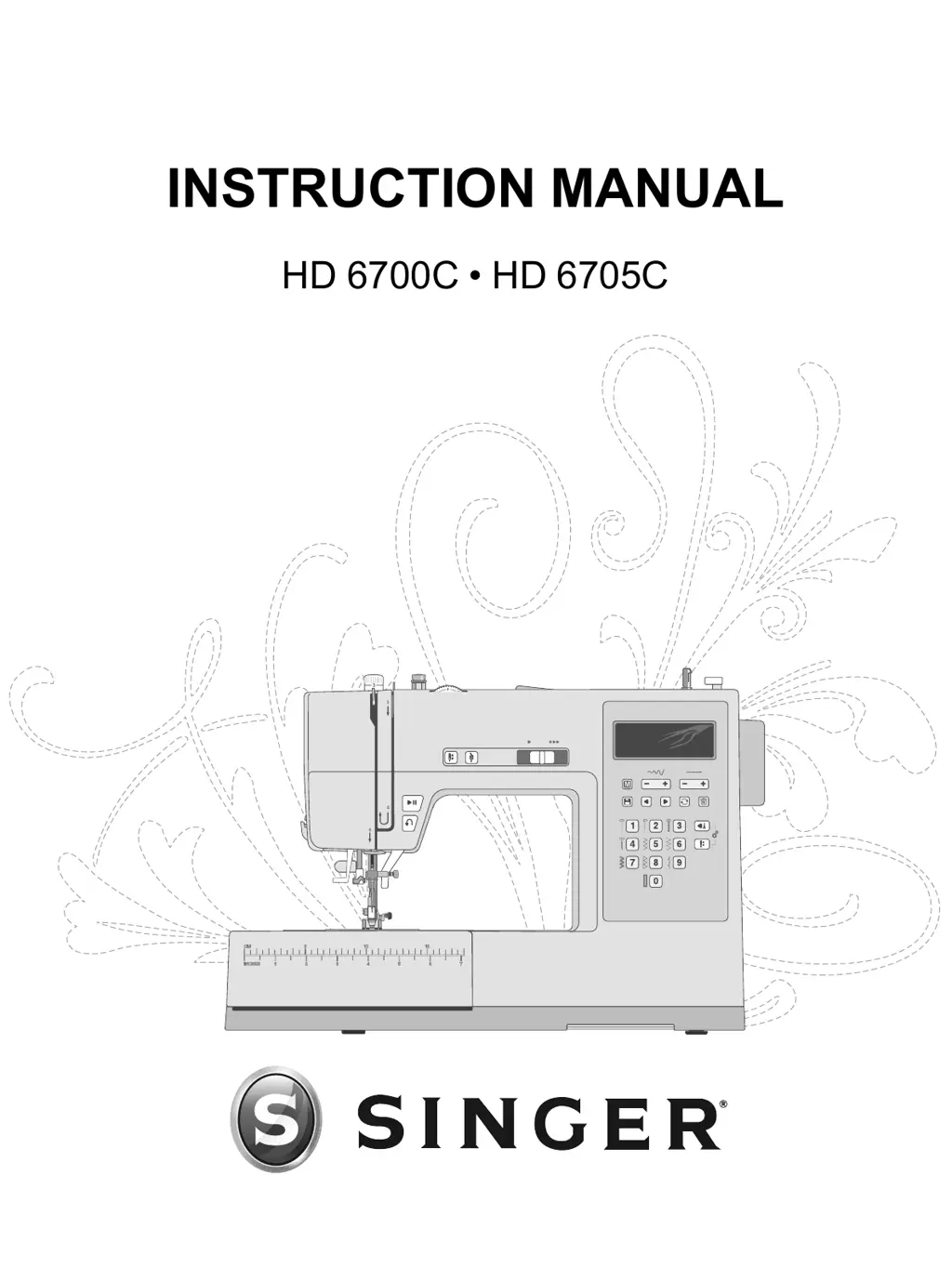
INSTRUCTION MANUAL
HD 6700C HD 6705C

Table of Contents

Questions and Answers

  • S
    Samuel Walters MDAug 19, 2025
    Why is my Singer Sewing Machine skipping stitches?
    • A
      Amanda ClarkAug 19, 2025
      Skipping stitches on your Singer Sewing Machine can occur for a few reasons. Ensure the needle is inserted correctly, with the flat side of the needle top toward the back of the machine, and that it's up as far as it can go before tightening the needle clamp screw. Using the wrong needle for the fabric can also cause this issue, so use the correct needle style and size. Finally, a bent, dull, or damaged needle can be the culprit, so discard it and insert a new one.
  • J
    Jessica ScottAug 21, 2025
    Why is my Singer HD 6705C not feeding fabric?
    • J
      Joshua MoranAug 21, 2025
      If your Singer Sewing Machine isn't feeding fabric, make sure the presser foot lifter has been lowered onto the fabric after threading. Also, avoid pushing or pulling the fabric as you sew. If the stitch length is set at zero, increase the stitch length setting.
  • S
    Susan MaciasAug 23, 2025
    How to fix thread loops on the underside of Singer HD 6705C Sewing Machine fabric?
    • Z
      zperezAug 23, 2025
      Thread looping on the underside of the fabric of your Singer Sewing Machine usually means the upper thread isn't threaded correctly. Rethread the machine, making sure to first raise the presser foot lifter before starting. This ensures the thread properly seats in the tension mechanism and take-up lever.
  • A
    Amanda ClarkAug 26, 2025
    Why is the upper thread breaking on my Singer HD 6705C Sewing Machine?
    • R
      Richard SanchezAug 26, 2025
      If the upper thread of your Singer Sewing Machine is breaking, it could be due to several reasons. First, check if the thread is caught on the thread spool or behind the spool pin or spool cap, preventing it from feeding freely. Another reason could be that the machine isn't threaded correctly, so remove the upper thread completely, raise the presser foot lifter, and rethread the machine, ensuring the thread is in the take-up lever. Finally, the upper tension might be too tight, so try reducing it.
  • A
    ashley48Aug 27, 2025
    Why are the needles breaking on my Singer Sewing Machine?
    • J
      Juan WilsonAug 27, 2025
      Several factors can cause needles to break in your Singer Sewing Machine. It could be due to a bent, dull, or damaged needle, so discard it and insert a new one. Also, ensure you're using the correct size needle for the fabric. Improper threading can also lead to breakage, so rethread the machine completely. Avoid pushing or pulling the fabric; let the machine's feed teeth guide it.
  • A
    Aaron HowardAug 30, 2025
    Why is the bobbin thread breaking on my Singer Sewing Machine?
    • K
      Kimberly KimAug 30, 2025
      If the bobbin thread is breaking on your Singer Sewing Machine, first check that the bobbin is placed correctly in the bobbin holder. The bobbin might also be wound too full or unevenly, potentially because the bobbin thread wasn't correctly placed into the bobbin winding tension disc during winding. Another cause could be dirt or lint in the bobbin holder, so clean it. Finally, ensure you're using the correct bobbins that are the same style as those that came with the machine (SINGER® Class 15 transparent bobbins).
  • E
    Erin AverySep 1, 2025
    How to stop thread bunching at the beginning on Singer HD 6705C Sewing Machine?
    • T
      Tony RodriguezSep 1, 2025
      Thread bunching at the beginning of sewing with your Singer Sewing Machine can occur if the top and bobbin threads haven't been properly placed underneath the presser foot before starting to sew, so ensure that both threads are under the presser foot and toward the back. Also, if sewing was started with no fabric under the presser foot, place fabric under the foot, making sure the needle comes down into the fabric, and lightly hold both thread tails for the first few stitches. Finally, a stabilizer may be needed underneath the fabric.
  • R
    Richard BartlettSep 3, 2025
    What to do if my Singer HD 6705C Sewing Machine will not run?
    • S
      ssimonSep 3, 2025
      If your Singer Sewing Machine won't run, first check if the bobbin winding spindle is engaged; disengage it by pushing it to the left. Also, make sure the power cord and foot control are correctly plugged into the machine and power supply. Finally, ensure you are using the correct bobbins that are the same style as those that came with the machine (SINGER® Class 15 transparent bobbins).
  • L
    linda34Sep 5, 2025
    Why is my Singer HD 6705C Sewing Machine making a loud noise when sewing?
    • R
      Richard MooreSep 5, 2025
      A loud noise when sewing with your Singer Sewing Machine could be due to the thread not being in the take-up lever. Rethread the machine, making sure the take-up lever is in its highest position so the thread goes into the eye of the take-up lever. Also, check that the thread path isn't obstructed, such as being caught on the thread spool or behind the spool cap.
  • K
    Kendra HallSep 7, 2025
    What causes distorted stitches on a Singer Sewing Machine?
    • M
      Mary GomezSep 8, 2025
      Distorted stitches on your Singer Sewing Machine can occur if you are pushing or pulling the fabric, so allow the machine’s feed teeth to draw the fabric under the presser foot as you guide it. An incorrect stitch length setting can also cause this, so adjust it. Additionally, a stabilizer may be needed underneath the fabric.

Summary

Important Safety Instructions

Electric Shock Precautions

Safety measures to prevent electric shock when using the sewing machine.

General Hazard Warnings

Precautions against burns, fire, and injury during operation.

Preparations

Power Connection

Instructions for connecting the machine to electrical power and the foot control.

Bobbin Winding and Threading

Covers winding and inserting the bobbin, and threading the machine.

Needle and Tension Adjustments

Details needle care, replacement, and thread tension settings.

Operating Your Machine

Stitch Control Panel

Explains the display and buttons for selecting and adjusting stitches.

Sequence and Stitch Selection

Guides on using sequence mode, selecting stitches, and programming.

Troubleshooting

Singer HD 6705C Specifications

General IconGeneral
BrandSinger
ModelHD 6705C
CategorySewing Machine
LanguageEnglish

Related product manuals