EasyManua.ls Logo

Singer HD 6705C - User Manual

Singer HD 6705C
44 pages
Print Icon
To Next Page IconTo Next Page
Loading...
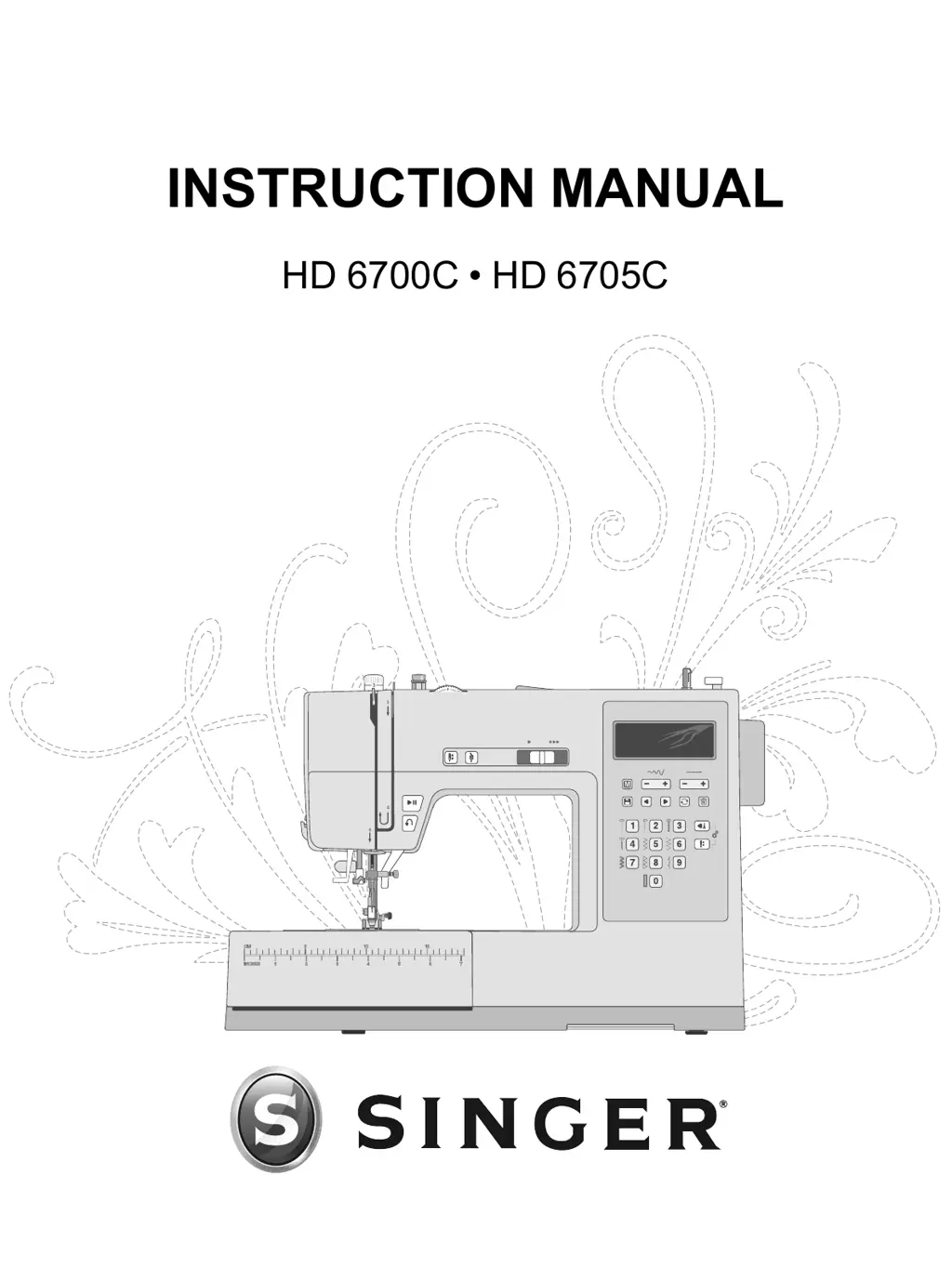
INSTRUCTION MANUAL
HD 6700C HD 6705C

Table of Contents

Questions and Answers

  • J
    Joel Baker MDSep 9, 2025
    How to troubleshoot bobbin winding difficulties on a Singer HD 6705C Sewing Machine?
    • J
      Jennifer ValentineSep 9, 2025
      If you're experiencing bobbin winding difficulties with your Singer Sewing Machine, it could be due to the bobbin thread being loosely wound on the bobbin. Rewind the bobbin, ensuring the thread is placed snugly in the bobbin winding tension disc. Another cause could be that the bobbin winding spindle isn't fully engaged, so check that it has been fully engaged before starting to wind. Also, if the bobbin is winding sloppily, hold the thread tail securely at the beginning of the winding process, allow the bobbin to partially fill, then stop to trim the thread tail close to the bobbin.
  • J
    josephgilbertSep 12, 2025
    Why is bobbin thread showing on top of Singer HD 6705C fabric?
    • C
      Christina DelgadoSep 12, 2025
      If the bobbin thread is showing on top of the fabric when using your Singer Sewing Machine, it could be because the top thread is too tight, so reduce the upper thread tension. Another reason could be that the thread path is obstructed, putting extra tension on the top thread, so check that the top thread path is not obstructed and that the thread is moving freely. It's also possible that the bobbin thread isn't in the bobbin case tension, so rethread the bobbin.
  • K
    Kara GarciaSep 14, 2025
    Why is the needle threader not working on my Singer HD 6705C?
    • B
      Bryan TravisSep 14, 2025
      If the needle threader on your Singer Sewing Machine isn't working, first ensure the needle is in the correct position by raising it to its highest position by turning the hand wheel toward you. Also, check that the needle is inserted correctly, all the way up in the needle clamp. A bent needle can also cause issues, so remove it and insert a new one. If the hook pin is damaged, the needle threader needs replacement, and you should contact an authorized service center.
  • W
    whitedebraSep 16, 2025
    What to do if fabric is tunneling under stitches with my Singer HD 6705C?
    • C
      Carolyn WrightSep 16, 2025
      If fabric is tunneling under stitches on your Singer Sewing Machine, it means that the fabric isn't properly stabilized for the density of the stitches. Add a fabric stabilizer underneath the fabric to help keep the stitches from tunneling in together, forming a puckered ridge in the fabric.

Summary

Important Safety Instructions

Electric Shock Precautions

Safety measures to prevent electric shock when using the sewing machine.

General Hazard Warnings

Precautions against burns, fire, and injury during operation.

Preparations

Power Connection

Instructions for connecting the machine to electrical power and the foot control.

Bobbin Winding and Threading

Covers winding and inserting the bobbin, and threading the machine.

Needle and Tension Adjustments

Details needle care, replacement, and thread tension settings.

Operating Your Machine

Stitch Control Panel

Explains the display and buttons for selecting and adjusting stitches.

Sequence and Stitch Selection

Guides on using sequence mode, selecting stitches, and programming.

Troubleshooting

Singer HD 6705C Specifications

General IconGeneral
BrandSinger
ModelHD 6705C
CategorySewing Machine
LanguageEnglish

Related product manuals