Step
Symptom / Cause Check / Troubleshooting Solution
Vocal effects too strong
1 Music Device music mix too low Raising the Music Device volume to Mic mix
Review our FAQS and other support resources. The
louder the music, the more effects will blend into the
background track.
2
My Voice: on Enhanced (full effects and
pitch-correction)
Change My Voice setting to Semipro or Pro
Review our “Tips and Trix” for pointers.
3
You're using some of the more enhanced
presets
Try presets Named Semipro ________ or Pro _________
or some of the song presets
Review our “Tips and Trix” for pointers.
4 HIT Button is on/active Blue light indicates HIT Button is activated Use HIT Button only on the chorus or bridge of a song
There is a music input audio delay when using an instrument or when using with secondary sound systems
1
Multiple or Secondary Speaker System
not plugged into the Singtrix Studio
Speaker Output
Check that your secondary speaker system is plugged into
the Singtrix speaker output and not directly out of your
Music Device.
Review our FAQS and other support resources. Singtrix
delays the output of karaoke tracks by a few milliseconds
to help the processor track and tune karaoke tracks more
accurately. If you are not using an instrument, make sure
that all speaker systems are plugged into of the two
Studio speaker output. See the Quick Start Guide to
understand proper signal flow.
2
Singtrix Studio not set to LIVE Mode
when using an instrument as the music
source in place of a karaoke track
Press and hold both top left and right buttons (Song Voice
and My Voice) at the same time for 10 seconds.
Review our FAQS and other support resources including
our Instrument & Live Performance Mode Guide.
Singtrix delays the output of karaoke tracks by a few
milliseconds to help the processor track and tune karaoke
tracks more accurately. Single instruments do not require
as much processing time as karaoke tracks with multi-
layered instrument and percussion sounds. If you are
using an instrument, disable system latency by pressing
and holding the Song Voice and My Voice buttons for 10
seconds.
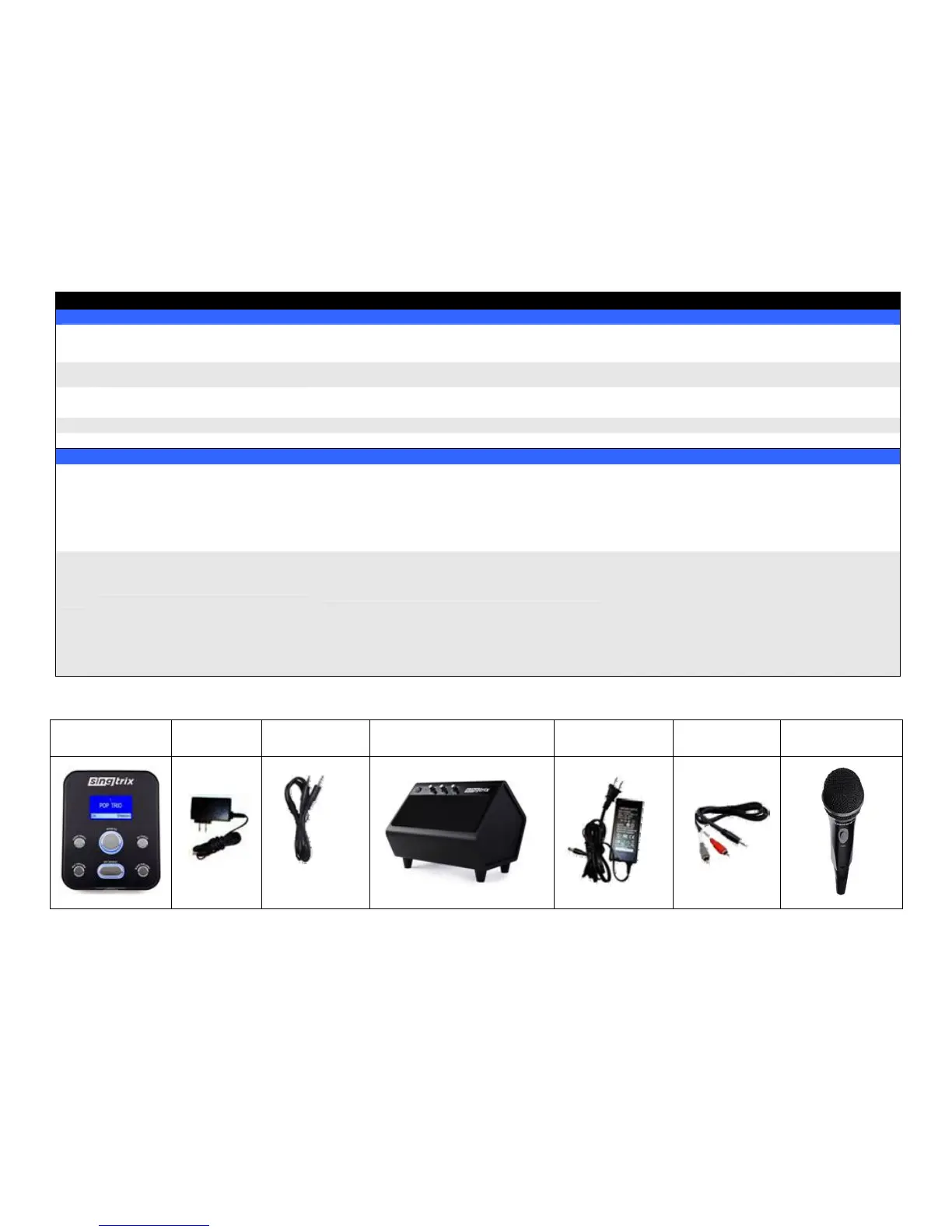
Reference Table:
Studio
(Effects Console)
Studio AC
Adapter
3.5mm Music
Audio Cable
Speaker
(2.1 Stereo Home Theater System)
Speaker AC
Adapter
Speaker Cable
(w/ Left & Right RCA
plugs)
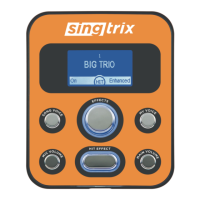
HIT Button


 To Next Page