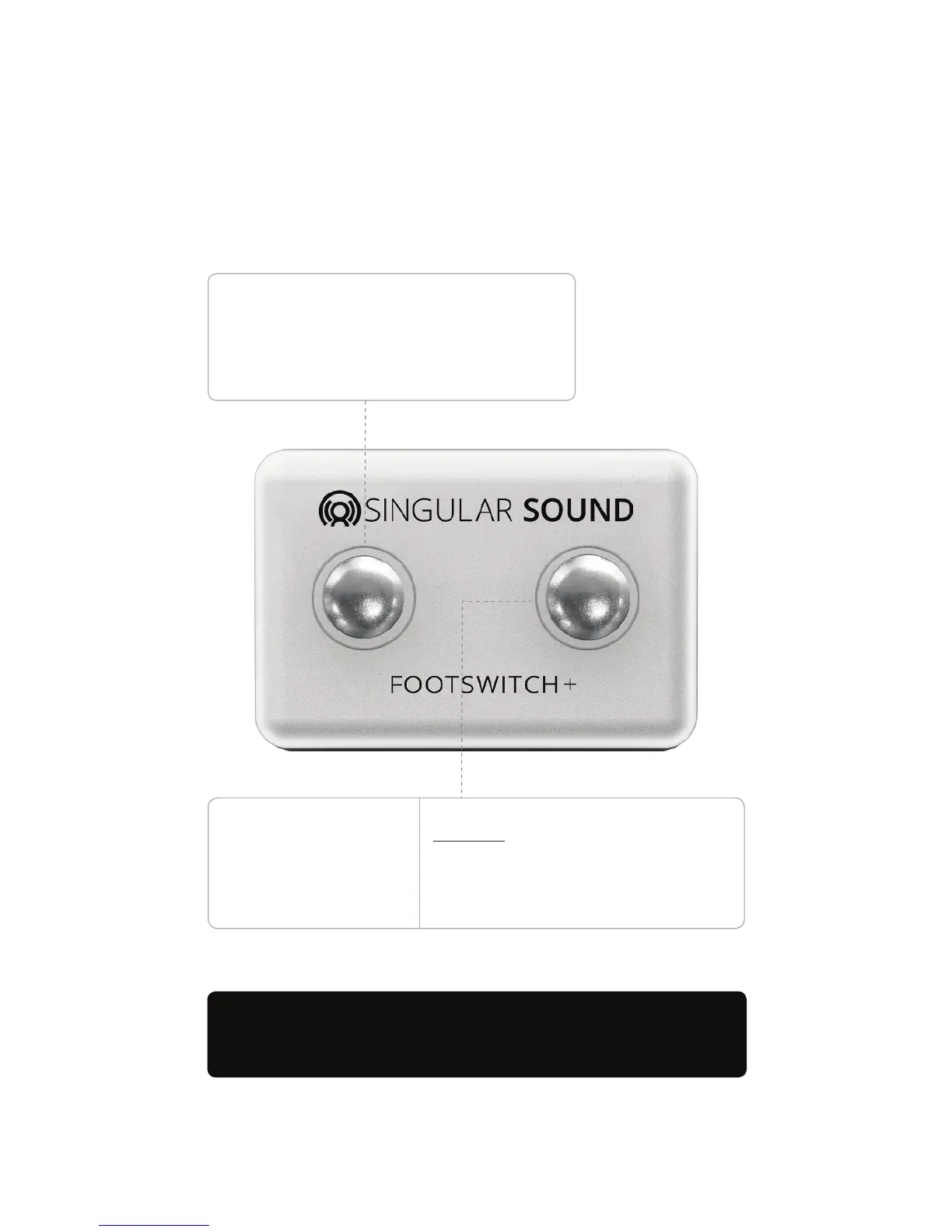
With the Singular Sound Footswitch, select
genres & songs, change tempo, add accent hits
and drum breaks anytime — creating a powerful,
realistic live eect, all totally hands-free.
Sold separately at your favorite dealer and at
SingularSound.com/products
Additional Control!
Only the Singular Sound Footswitch is
compatible with the BeatBuddy Mini 2
While no song is playing:
Hold down to select Genre, Song or Tempo
Genre: Tap once to move to next genre
Song: Tap once to move to next song
Tempo: Tap tempo mode
While song is playing:
Pause/Unpause
Accent hit (e.g. a cymbal crash)
Accent hits vary by song and
sometimes even by song part
9


 To Next Page