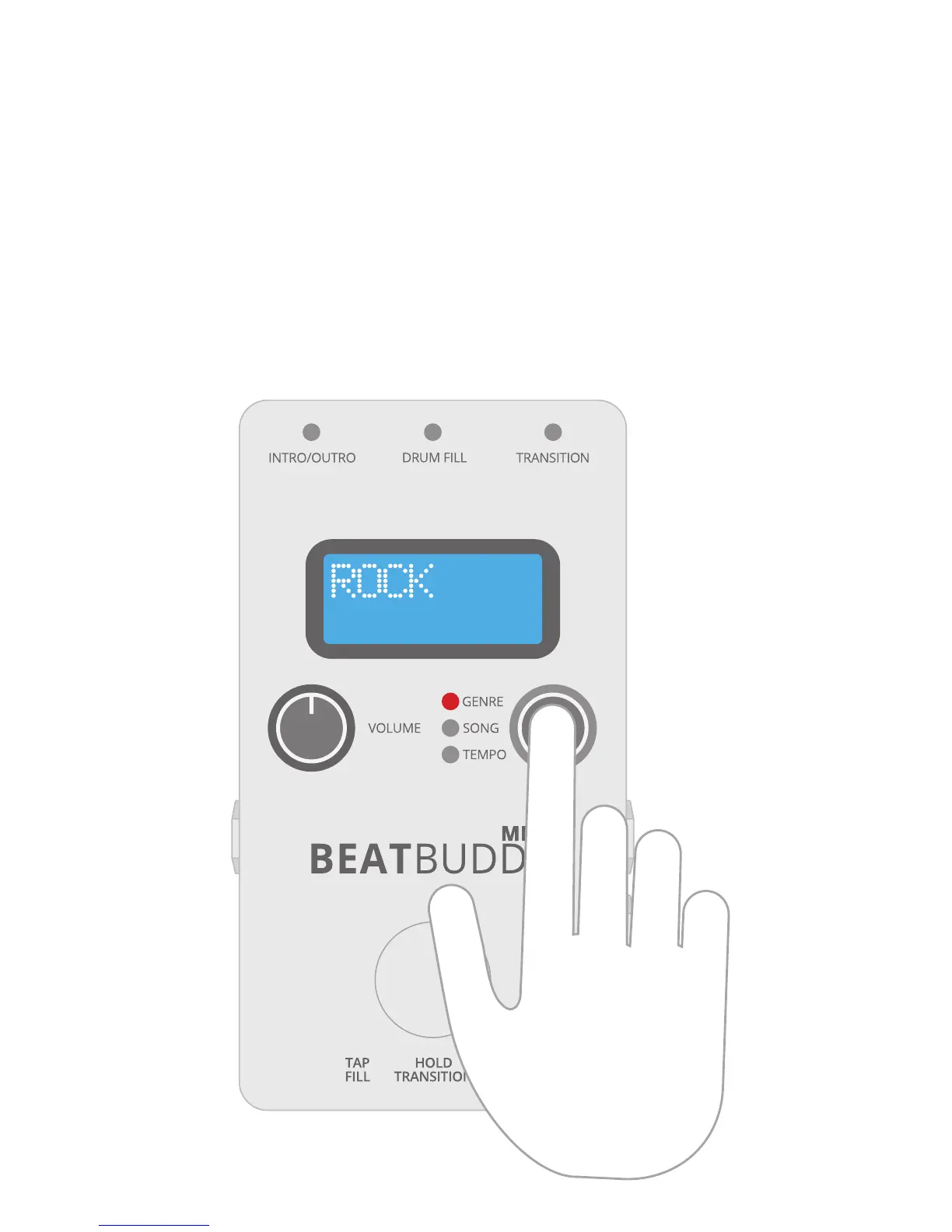
A light indicates whether you are selecting
Genre, Song, or Tempo, all of which you
control with a single knob.
1. Choose one of BeatBuddy Mini 2's
24 genres by rotating the knob. Select by
pressing down on the knob like a button. The
green light advances from “Genre” to “Song”.
Selecting a Song
3


 To Next Page