13
How to use the BeatBuddy
BeatBuddy Manual
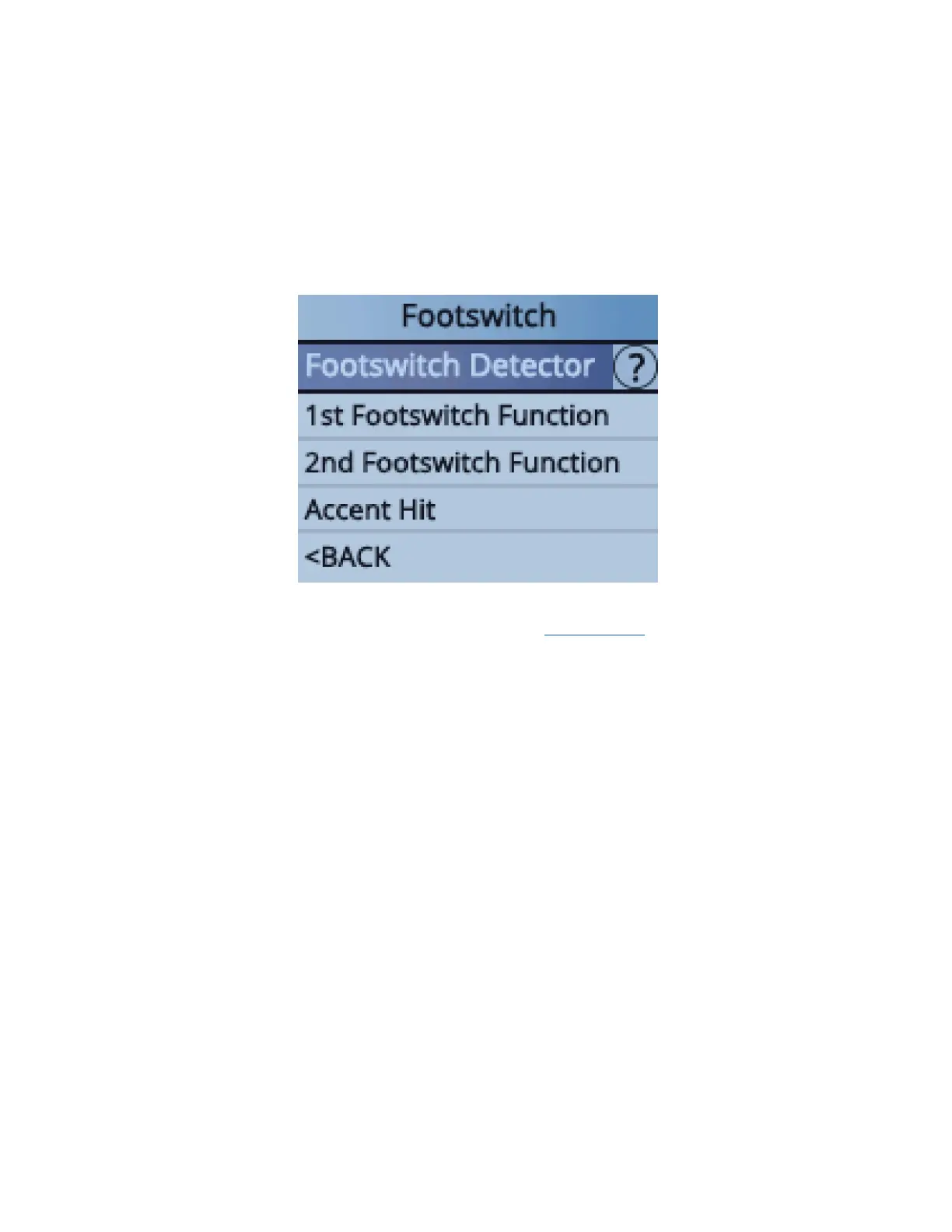
To configure the BeatBuddy to your footswitch, press the Drum Set and Tempo
knobs down at the same time to enter the Settings menu. Select ‘Footswitch’ and
then ‘Footswitch Detector’ and follow instructions. The BeatBuddy will save your
settings, so you only have to use the ‘Footswitch Detector’ again if you use a
different footswitch.
For videos tutorials on how to use the BeatBuddy CLICK HERE


 To Next Page