17
BeatBuddy Manual
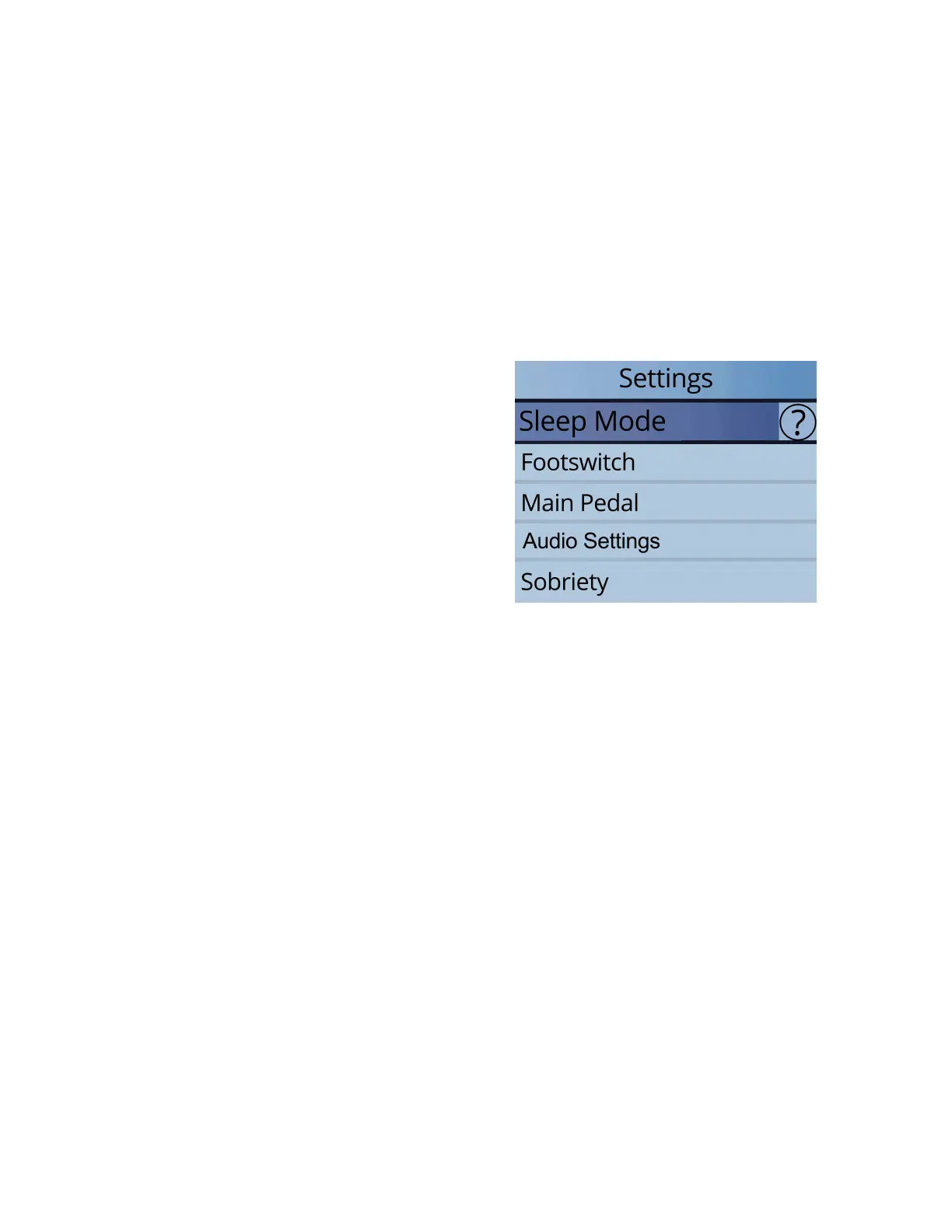
Settings
To enter the Settings screen, press down on the ‘Drum Set’ and ‘Tempo’ knobs
at the same time.
The settings give you many options to customize the BeatBuddy to suit your needs
and playing style. For your convenience, all default settings will be marked with an
asterisk (*).
Tip: If you are unsure what a particular setting does, press the right arrow button
(next to ‘tap’) to select the (?) and press ‘tap’ button to see a short explanation.
Press the left arrow to exit the explanation.
Settings Table of Contents:
I. Sleep Mode
II. Footswitch
III. Main Pedal
IV. Audio Settings
V. Sobriety
VI. About BeatBuddy
VII. Restore Default
Settings
I. Sleep Mode
• This puts the BeatBuddy in a low power state and turns off the screen -- wake
it up any time by pressing any knob, button or the main pedal. As of version
3.9.9 the BeatBuddy can be awoken from Sleep Mode by sending the
BeatBuddy MIDI commands.
II. Footswitch
• Footswitch Detector - Detects the type of footswitch that is plugged into the
BeatBuddy. Use this whenever using a new footswitch with the BeatBuddy or if
your footswitch doesn’t seem to be working correctly (such as if it only works
every other press, or triggers a command on both the press and release).
• 1st/2nd Footswitch Function - 1st = LEFT button, 2nd = RIGHT button. (NOTE:
Because both the 1st and 2nd footswitch settings menus are identical, we will
reference both at once)
o 1st/2nd Main Pedal - Sets the switch to act like the Main Pedal, with tap
for fill, hold for transition, double tap for outro. Useful if you want the
BeatBuddy somewhere other than the floor. Note that if you enable this
function, all other available functions for this button will not be available
(while playing or stopped).
• Enable/Disable


 To Next Page