6
How to plug in
BeatBuddy Manual
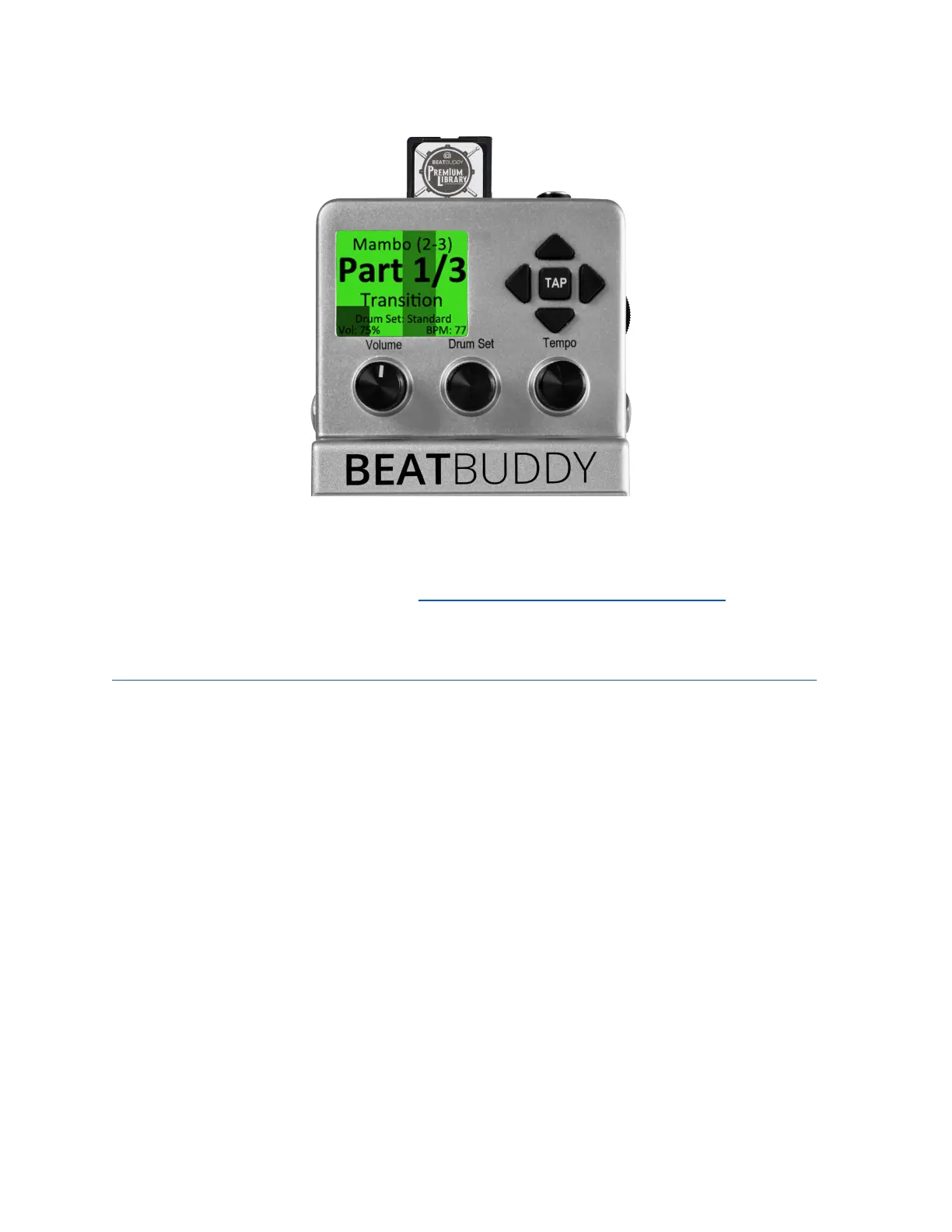
The BeatBuddy SD card comes loaded with 10 drum sets and 200+ songs in many
different styles. If you lose your SD card, you can download the default BeatBuddy
content to put on a new SD card at https://singularsound.com/contact/.
Check out the BeatBuddy Premium Library Bundles:
https://singularsound.com/product/premium-library-sd-card-the-2020-collection/
for up to 1380+ additional songs and 22+ more drumsets.
Sound System
The BeatBuddy can be used without an instrument plugged into it - it will still
produce sound. The input jacks are there in case you want to put both the
BeatBuddy and your instrument signals into the same speaker without the need for
a mixer. The BeatBuddy will combine any signal it receives in the input jacks with
the signal it produces. The main volume knob just controls the level of the signal
the BeatBuddy produces (the beats), not the signal it receives from the input jacks.
The headphones volume wheel adjusts the combination of the input signal and the
BeatBuddy's signal (the beats).
The BeatBuddy produces ‘line-out’ level analog signal, similar to a standard music
player or computer headphones jack. You can plug the BeatBuddy into any speaker
system that accepts 1/4” (6.5mm) or 1/8” (3.5mm) audio jacks.


 To Next Page