19
NOTE:
1. Turn on the player, insert the batteries into the remote control, and direct the remote
control at the remote sensor on the front panel.
2. The distance of remote control should not exceed 7 metres, or else, it will be invalid.
3. If the remote control sensor or IR-radiator is closed, the remote control will not
operate or there will be an interference.
4. Interference from the high tension appliances, generating high frequency signal can
strongly influence the operation of remote control.
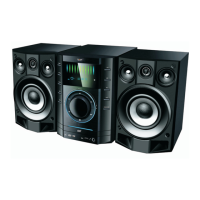
REMOTE CONTROL
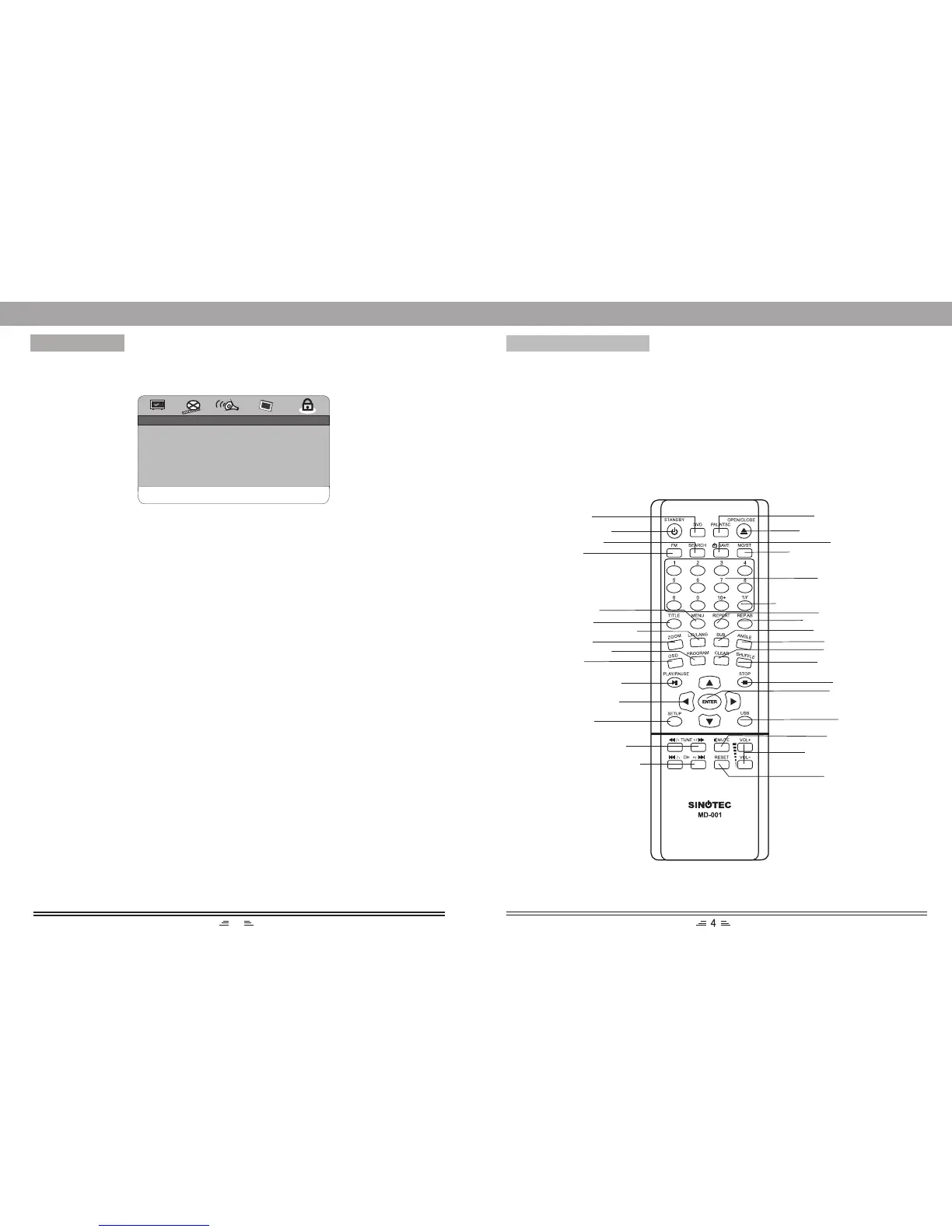
MENU SETUP
Preference Setup Page
2. Password
The original password of this unit is “1389 and you can change it to a new one. ”
..PARENTAL CTRL SETUP
GO TO PREFERENCE PAGE
PARENTAL
PASSWORD
1. Parental
This unit has 8 different age rating that can be selected. Move the cursor to select
one of them, then press “Play/Enter” button on the remote control to enter. You are
reminded to input the password.
STANDBY
MENU
DIRECTION
SETUP
REPEAT A-B
REPEAT
RESET
OPEN/CLOSE
NUMBER
BUTTONS
TIME/FREQUENCY
ANGLE
MUTE
VOLUME+/-
PLAY/PAUSE
SUBTITLE
F.RWD/TUNE-
F.FWD/TUNE+
ZOOM
SHUFFLE
STOP
CLEAR
TITLE
L/R/LANGUAGE
PREV./CHANNEL-
NEXT/CHANNEL+
USB
PROGRAM
DVD
SEARCH
FM
OSD
ENTER
PAL/NTSC
SAVE
MONO/STEREO
(This setup page is available while in “Eject” or “No disc” status)


 To Next Page